Key Steps for Tracking Progress with Blend Ladders
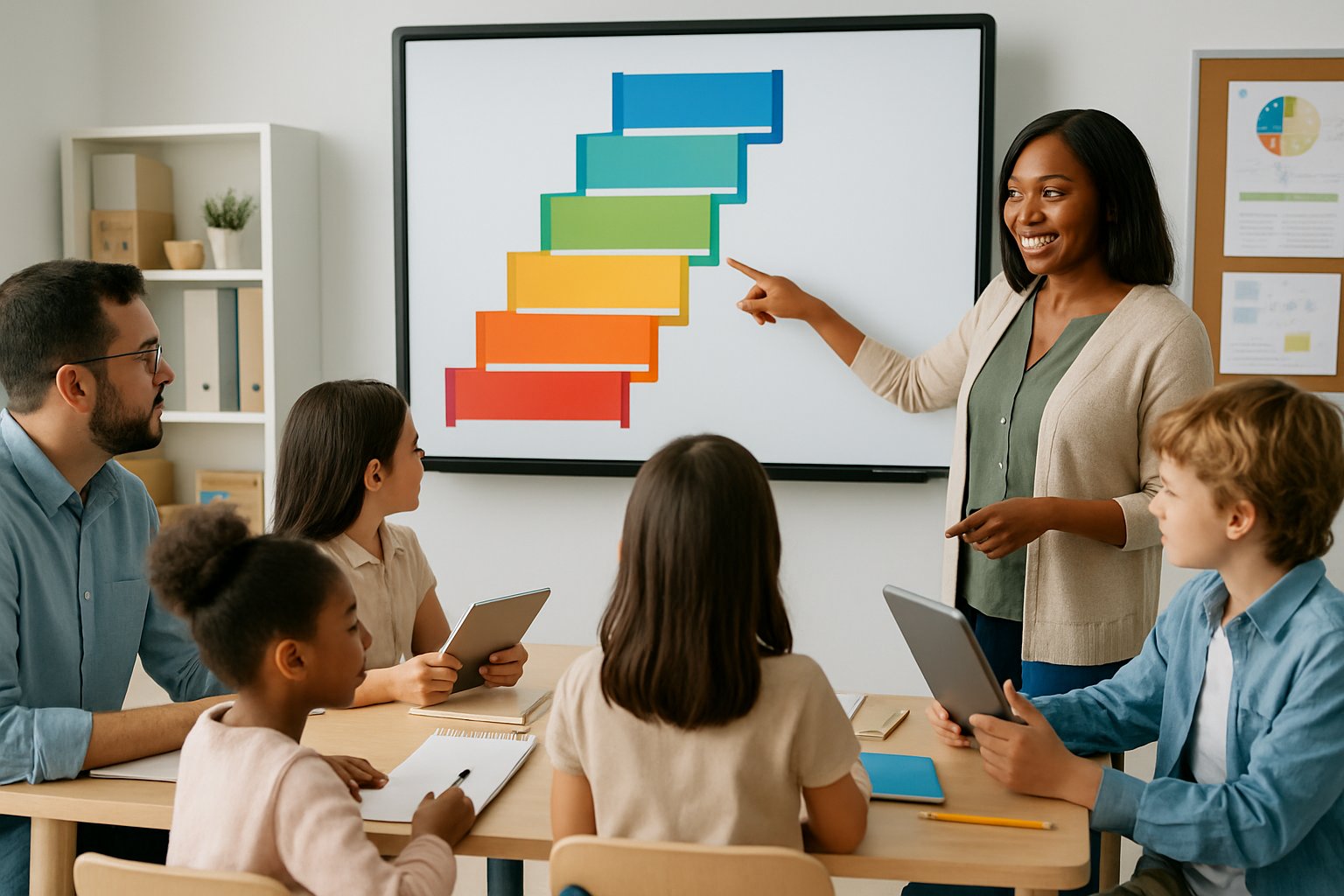
Effective documentation that makes learning visible requires teachers to establish clear goals and use systematic methods to track student advancement. Teachers need specific steps to measure how well students master vowel sounds and blending skills throughout their learning journey.
Setting Clear Learning Outcomes
Teachers should define specific learning outcomes before starting blend ladder instruction. These outcomes help measure student progress and guide lesson plans effectively.
The primary learning outcomes focus on two main areas. Students must learn short vowel sounds and understand that vowels are the most important part of words.
Short-term outcomes include:
- Identifying each vowel sound correctly
- Saying vowel sounds before consonant sounds
- Recognizing vowel patterns in simple words
Long-term outcomes involve:
- Blending consonant-vowel combinations smoothly
- Reading CVC words independently
- Applying vowel knowledge to new words
Teachers can track these outcomes by creating simple checklists. Each checklist should include the five vowel sounds and blending skills. This helps teachers see which students need extra help and which ones are ready to move forward.
Selecting and Customizing Blend Ladders
Teachers need to choose the right blend ladders for their students’ skill levels. Different students may need different starting points in their education journey.
Start with single consonant blend ladders like B, M, or T. These letters work well because students can easily see and hear the differences between vowel sounds.
Teachers can customize blend ladders by:
- Focusing on one vowel at a time for struggling students
- Adding consonant endings for advanced learners
- Using dry erase markers on laminated ladders for flexibility
Laminated blend ladders with dry erase markers let teachers add letters to create CVC words. This helps students move from simple blending to reading complete words.
Teachers should prepare multiple versions of each ladder. Some students might need larger text or different color coding to help them focus on the vowels first.
Assessing Mastery of Short Vowel Sounds
Regular assessment helps teachers know when students have mastered each vowel sound. Teachers need simple ways to check student understanding during lessons.
Use daily vowel sound checks with individual students. Point to each vowel on the blend ladder and ask the student to say the sound. Record which sounds the student gets right and wrong.
Assessment methods include:
- Quick verbal checks during lessons
- Simple recording sheets with vowel sound grids
- Audio recordings of student responses
Students should demonstrate mastery by saying vowel sounds correctly three days in a row. Using a pencil or pointer to guide students’ eyes helps teachers see if students can identify vowels independently.
Track progress using a simple chart with student names and the five vowel sounds. Mark each sound as the student masters it. This visual record helps teachers plan future lesson plans and identify students who need extra practice.
Monitoring Progress Through Word Blending Activities
Teachers need to track how well students blend sounds together to form words. This skill builds on vowel sound mastery and leads to reading CVC words.
Start by having students blend consonant-vowel combinations. Use left-to-right pointer movements to help students connect the sounds smoothly. Record how many blends each student can read correctly.
Blending progression includes:
- Consonant + vowel (ba, be, bi, bo, bu)
- Adding final consonants for CVC words
- Reading word families with the same blend
Create simple data sheets to track blending progress. List common blends and mark when students can read them without help. Progress monitoring data helps teachers know when students are ready for more challenging activities.
Students who master blending can move to reading complete CVC words like “bag,” “big,” and “bug.” Track how many CVC words each student can read independently each week.
Personalising and Adapting Progress Tracking

Each student learns differently and needs unique approaches to track their growth. Teachers can create custom learning paths and use visual tools to help all students succeed with blend ladders.
Understanding Different Learning Styles
Students process information in different ways. Some learn best by seeing pictures and charts. Others need to hear instructions or move around while learning.
Teachers should watch how each student works best. Tracking student progress helps identify these patterns over time.
Common learning styles include:
- Visual learners who need pictures and diagrams
- Auditory learners who learn through listening
- Kinesthetic learners who need hands-on activities
When using blend ladders, teachers can adjust how they present information. Visual students might need color-coded steps. Auditory students could benefit from verbal explanations of each level.
The key is flexibility. Teachers should try different methods and see what works for each child.
Creating Personalised Learning Pathways
Personalised learning means giving each student their own path through the blend ladder. Not every student needs to move at the same speed or use the same activities.
Teachers can create different versions of the same lesson. One student might need extra practice on basic skills. Another might be ready for harder challenges.
Steps for creating custom pathways:
- Assess where each student starts
- Set individual goals based on their needs
- Choose activities that match their interests
- Adjust the pace for each learner
Setting realistic goals and expectations helps students stay motivated. When goals feel too hard, students give up. When goals are too easy, students get bored.
Teachers should check progress often and change plans when needed. This keeps learning fresh and exciting for everyone.
Supporting Visual Learners with Blend Ladders
Visual learners need to see information to understand it. Blend ladders work well for these students because they show clear steps up to mastery.
Teachers can make blend ladders more visual by adding colors, pictures, and charts. Each level could have its own color. Students can see exactly where they are and where they need to go next.
Visual tools that help:
- Progress charts with pictures
- Color-coded skill levels
- Step-by-step diagrams
- Photo examples of completed work
Many students feel proud when they can see their progress. A visual blend ladder acts like a map that shows the journey from beginner to expert.
Teachers can also use graphs and charts to show growth over time. When students see their improvement, they want to keep working harder.
Effective Tools and Methods to Monitor Pupil Progress
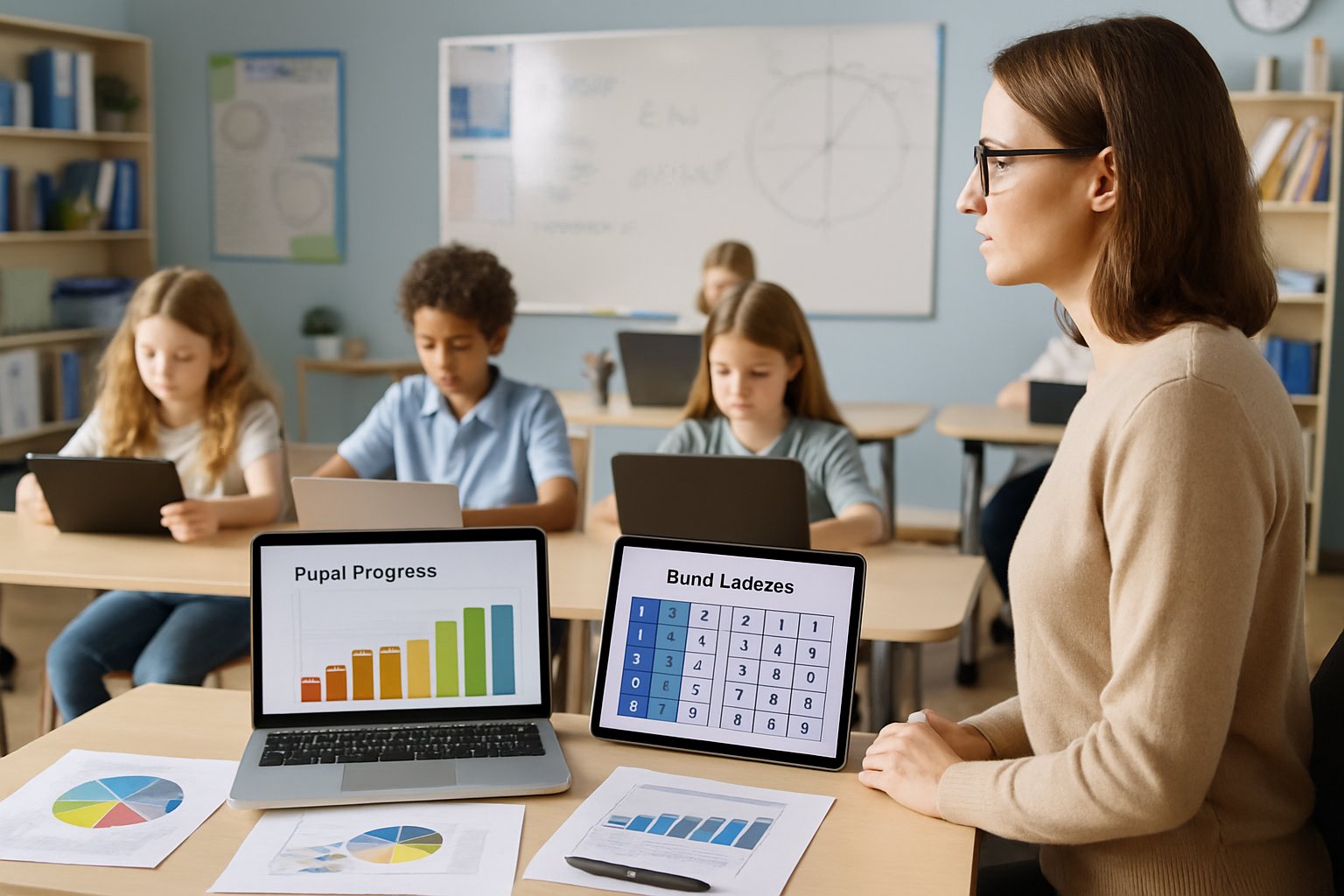
Digital assessments and tracking systems help teachers gather real-time data about student learning. These tools make it easier to share progress information with parents and other educators.
Using Online Quizzes and Digital Assessments
Online quizzes provide instant feedback about student understanding. Teachers can create short quizzes after each lesson to check if students grasped key concepts.
Digital assessment tools automatically grade responses and highlight areas where students struggle. This saves teachers time while giving them clear data about class performance.
Regular monitoring through various assessment methods helps identify learning patterns quickly. Teachers can spot which students need extra help before they fall too far behind.
Popular digital assessment features include:
- Automatic scoring and grade tracking
- Question banks for different skill levels
- Progress reports for individual students
- Real-time results during class
Short daily quizzes work better than long weekly tests. Students get more chances to show what they know without feeling overwhelmed.
Incorporating Pupil Progress Tracking Systems
Pupil progress tracking systems store detailed records about each student’s learning journey. These systems track specific skills rather than just overall grades.
Effective pupil progress tracking focuses on individual learning objectives. Teachers can see exactly which skills each student has mastered and which need more work.
Modern tracking systems let teachers record progress quickly during lessons. They can mark off completed objectives with just a few clicks on their tablet or computer.
Key tracking system benefits:
- Skill-based tracking shows exactly what students can do
- Historical data reveals learning trends over time
- Gap analysis identifies missing skills across the class
- Planning support suggests next steps for each student
The best systems work on phones and tablets. Teachers can update progress anywhere in the classroom without disruption.
Sharing Progress Across Stakeholders
Progress sharing keeps everyone informed about student learning. Parents, teaching assistants, and school leaders all need different types of information.
Tracking pupil progress effectively means sharing the right details with the right people. Parents need simple updates about their child’s strengths and next steps.
Teachers can send weekly progress summaries home through apps or email. These updates help parents understand what their child is learning and how to help at home.
Different stakeholders need different information:
| Stakeholder | Information Needed | Format |
|---|---|---|
| Parents | Child’s progress and next steps | Simple summaries |
| Teaching assistants | Students needing extra support | Skill checklists |
| School leaders | Class trends and intervention needs | Data reports |
School leaders use progress data to plan professional development and allocate resources. They can see which classes need additional support or materials.
Regular progress sharing builds trust between home and school. Parents feel more confident helping their children when they understand the learning goals.
Leave a Reply