How To Choose The Right Learning Path First
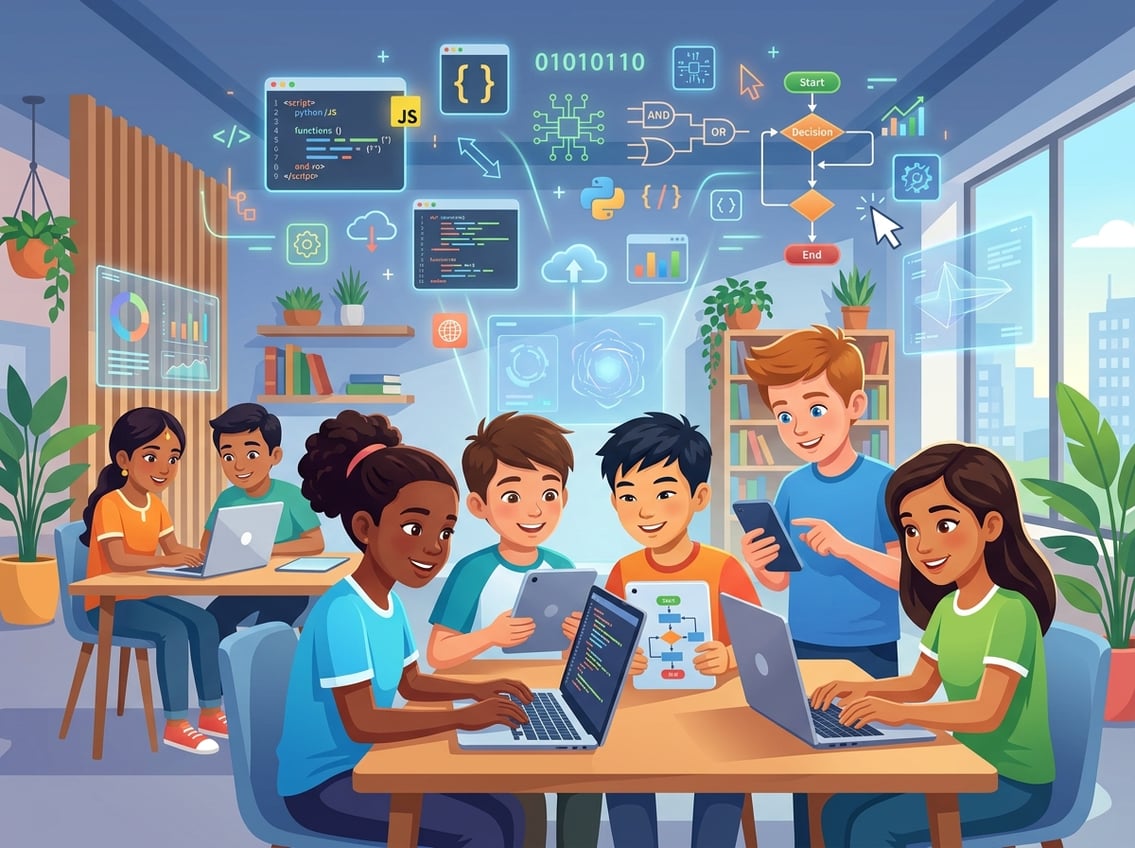
Your child’s age, current skill level, and long-term goals should drive every decision you make about coding education. A five-year-old exploring visual programming needs a completely different experience than a teenager preparing for AP Computer Science.
Picking the wrong starting point is the fastest way to kill motivation.
Match The Curriculum To Age, Skill Level, And Goals
Before you compare coding platforms, take a few minutes to honestly assess where your learner stands. A child who has never touched a coding platform for kids should start with something visual and forgiving.
A teen who already builds things in Minecraft might be ready to jump into text-based coding.
If the goal is creative exploration, look for project-based learning environments with open-ended challenges. If the goal is college readiness or career prep, look for structured courses that teach real programming languages.
Think about goals in three buckets: exposure (just trying it out), skill-building (learning to think like a programmer), and career preparation (mastering languages and tools used in the industry). Each bucket calls for different coding platforms.
When To Start With Block-Based Coding Vs Text-Based Coding
Block-based coding uses drag-and-drop puzzle pieces instead of typed commands. It removes the frustration of typos and syntax errors, which makes it perfect for kids roughly ages 4 through 10.
Platforms built on block coding, like Scratch or Blockly, teach logic and sequencing without overwhelming young learners. Text-based coding becomes appropriate once a child can type comfortably and handle a bit of frustration, usually around age 10 or 11.
Some kids are ready earlier; some need more time. There is no shame in staying with block-based programming longer if it keeps your learner engaged.
What Makes A Strong Progression From Beginner To Advanced
A quality coding for beginners program does not stop at the basics. Look for a clear path that moves from interactive coding exercises to independent projects.
The strongest platforms guide learners from visual coding into text coding gradually. As noted by Code.org’s K-12 curriculum framework, a good progression covers computational thinking, algorithms, data, and eventually real programming languages.
You want a ladder, not a single rung. If your child finishes a platform and there is nowhere to go next, the curriculum is incomplete.
Best Platforms For Beginners And Creative Exploration
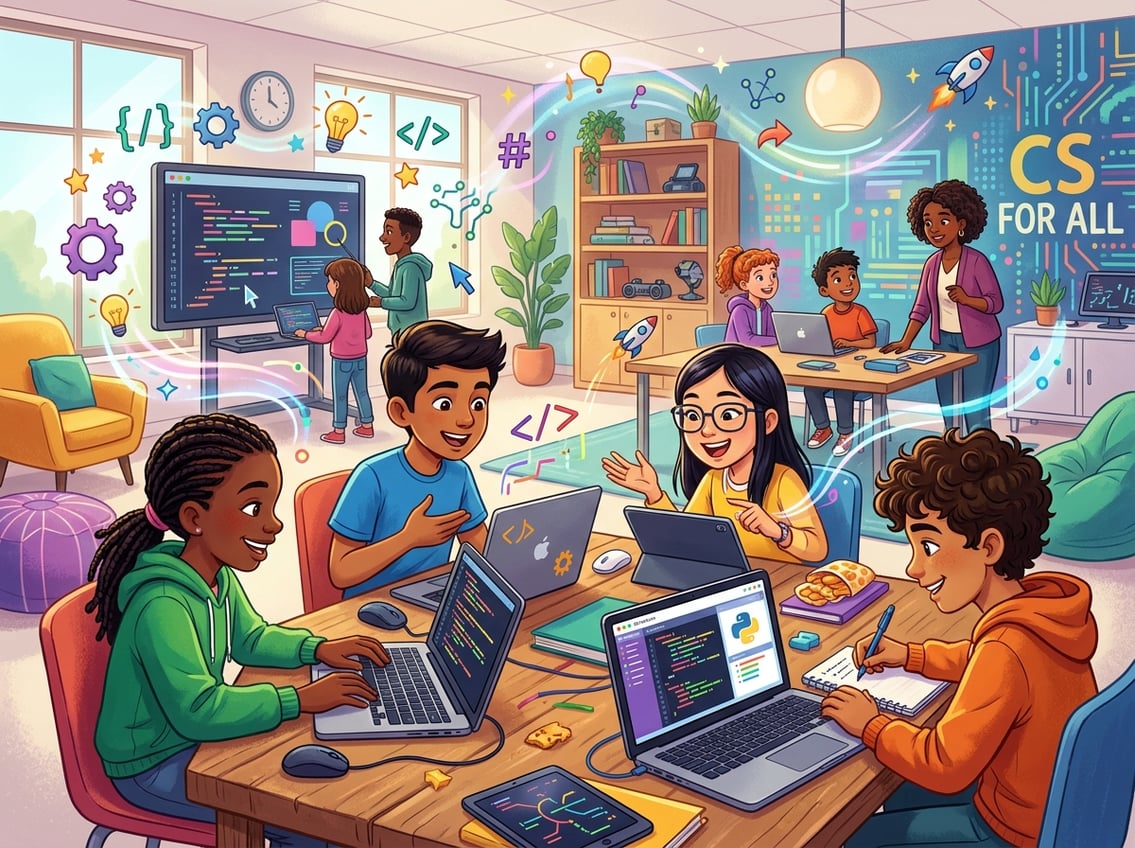
The best free coding platforms for young beginners use game-based learning, colorful interfaces, and bite-sized lessons to build confidence before introducing anything complicated. Scratch, Code.org, Kodable, and a handful of other tools each take a slightly different approach to getting kids excited about creating with code.
Scratch And ScratchJr For Early Confidence And Creativity
Scratch, developed by the MIT Media Lab, is the gold standard for introducing kids to coding. It uses block-based coding where your child snaps colorful blocks together to make characters move, talk, and interact.
Kids as young as eight can build animations, simple games, and interactive stories on their very first day. ScratchJr is the younger sibling, designed for ages five through seven.
It simplifies the interface even further so preschoolers and kindergartners can create short animated projects by dragging icons on a tablet. What makes Scratch special is its community.
Your child can publish projects, remix other people’s work, and learn by exploring. That social layer turns coding games into a genuinely creative outlet.
Code.org For Structured Starter Lessons And Classroom Use
If you want a step-by-step path rather than an open sandbox, Code.org is your best bet. Its free K-12 curriculum covers everything from pre-reader courses for four-year-olds to full AP-level content for high schoolers.
The Hour of Code activities are a fantastic way to test the waters in a single sitting. Teachers love Code.org because it includes lesson plans, progress dashboards, and gamified learning elements that keep a whole classroom on track.
Parents using it at home will appreciate the clear sequence of lessons that build on each other.
Kodable, Blockly, Bitsbox, And Codemoji For Younger Learners
Several other platforms fill specific niches for early learners:
- Kodable targets kids ages four through ten with a cute, game-based curriculum that schools across the U.S. use daily.
- Blockly, developed by Google, is the engine behind many block coding tools and offers simple standalone puzzles.
- Bitsbox sends monthly coding projects to your door and lets kids build real apps using simplified code.
- Codemoji teaches HTML and CSS basics using emoji-based substitutions, which younger kids find hilarious and memorable.
Each of these coding platforms for kids works best as a supplement rather than a full computer science curriculum. Mix and match them based on what keeps your child engaged.
Best Options For Real Coding Skills And Progression
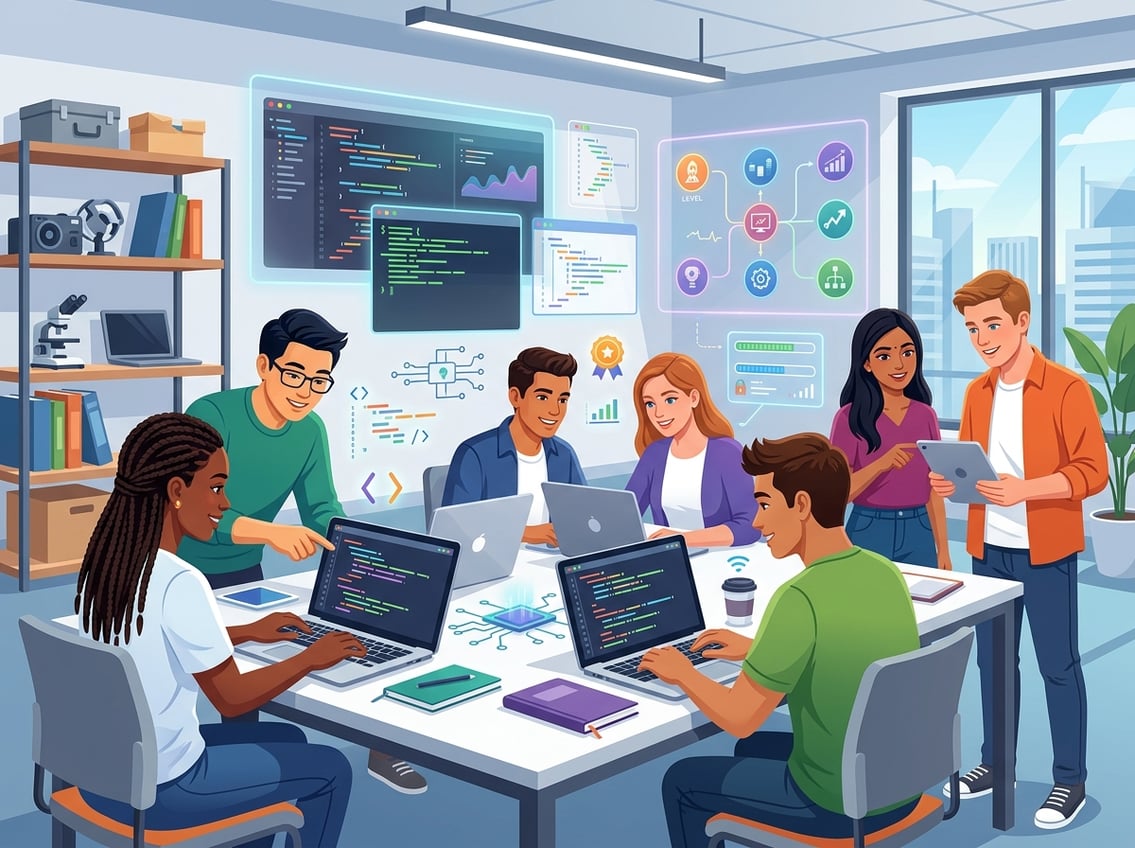
Once your learner has a handle on block-based logic, the next step is bridging into real programming languages like Python, JavaScript, and HTML. The platforms in this section are built specifically for that transition, using gamified coding, guided projects, and increasingly complex coding challenges to keep motivation high.
Tynker For Moving From Blocks To Python And JavaScript
Tynker is one of the most complete coding platforms for kids who are ready to level up. It starts with block-based programming, then gradually introduces Python and JavaScript through the same project-based learning environment your child already feels comfortable in.
What really sets Tynker apart is its integration with Minecraft modding. Your child can write real code to modify Minecraft worlds, which turns an abstract skill into something they genuinely care about.
Tynker also offers courses in game design, app building, and even robotics. The paid plans unlock the full library, but there is a decent amount of free content to try first.
CodeCombat And Codemonkey For Gamified Text Coding
CodeCombat drops your child into a fantasy adventure where they write real Python or JavaScript to control a hero. Every level is a coding challenge disguised as a quest.
The difficulty ramps smoothly, and kids barely notice they are learning syntax because they are too busy defeating ogres. Codemonkey takes a similar gamified approach with a friendlier visual style suited to slightly younger learners.
It teaches CoffeeScript (which resembles Python) through puzzle levels that involve guiding a monkey to collect bananas. Both platforms make the jump from visual programming to text coding feel like play rather than homework.
Replit, Codecademy, And HTML Projects For Older Beginners
Older beginners, roughly age 13 and up, can skip the game layer entirely and start building real things. Replit gives you a browser-based coding environment where your learner can write, run, and share code in dozens of languages without installing anything.
Codecademy offers structured interactive coding courses in Python, JavaScript, HTML, CSS, and more. Its step-by-step exercises and instant feedback loop make it one of the most popular platforms for teens and adults alike.
A great starter project at this stage is building a personal webpage using HTML and CSS. It is simple enough to finish in an afternoon, and seeing a live website with their name on it gives your learner a powerful sense of accomplishment.
Formal Programs For Schools, Teens, And Long-Term Study
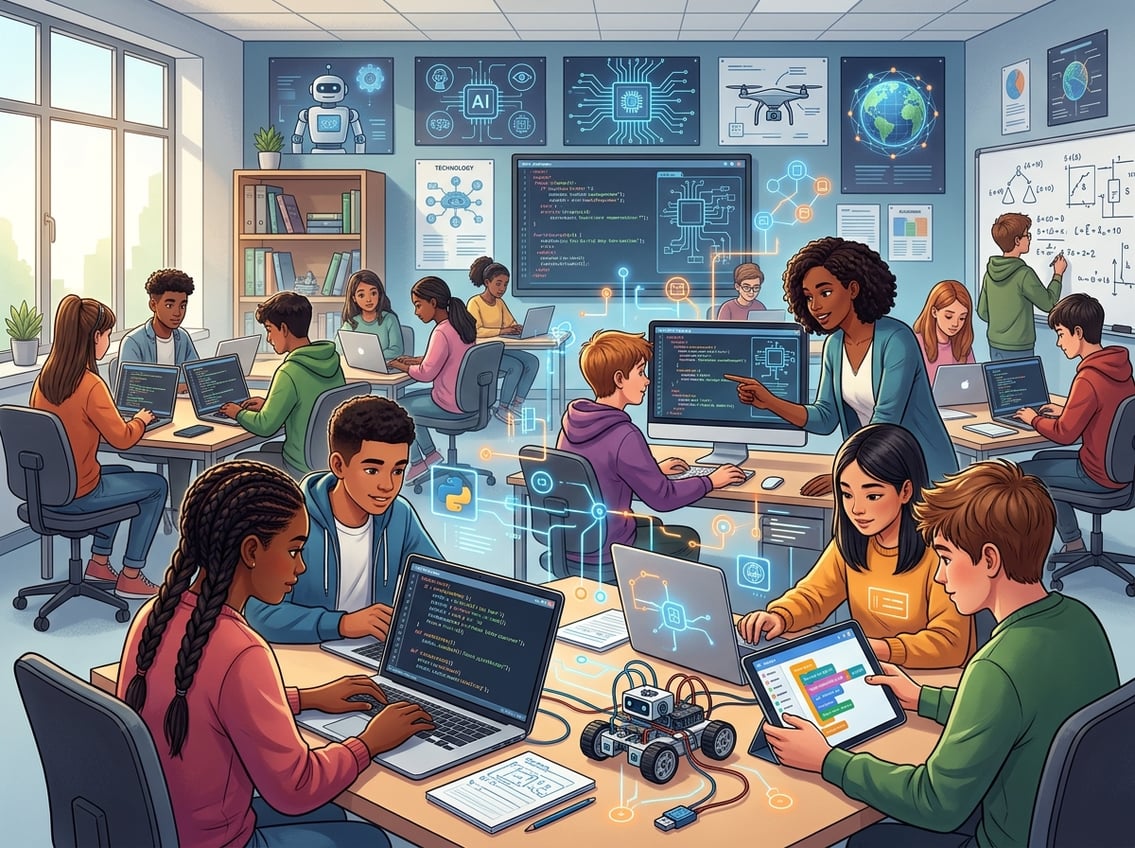
When your learner is ready for a more rigorous computer science curriculum, formal programs offer structured pathways, teacher resources, and credentials that carry weight with colleges and employers. These options work best for motivated teens and schools looking to build a complete CS program.
CodeHS And Teacher-Friendly Curriculum Systems
CodeHS provides a full, standards-aligned computer science curriculum that schools can adopt from middle school through high school. It includes lesson plans, auto-graded coding projects, and built-in teacher resources that make it easy for educators to run a CS class even without deep programming experience.
What makes CodeHS stand out is how turnkey it feels. Your school gets a dashboard to track every student’s progress, and the curriculum covers everything from introductory web design to data science.
If you are a parent advocating for CS education in your district, CodeHS is one of the strongest options to recommend.
AP Computer Science Principles And College-Ready Pathways
AP Computer Science Principles is one of the fastest-growing AP exams in the country, and for good reason. It covers big ideas like algorithms, data, the internet, and the societal impact of computing without requiring heavy math prerequisites.
Programs from Code.org’s AP CSP course and CodeHS both align to the AP framework and prepare students to earn college credit. Scoring well on this exam signals to admissions offices that your teen has genuine technical ability.
If your learner wants to go deeper, AP Computer Science A focuses specifically on Java programming and is more rigorous. Either exam looks excellent on a college application and gives your teen a meaningful head start.
When One-On-One Tutoring Makes Sense
Not every learner thrives in a self-paced or classroom environment. One-on-one tutoring is worth considering if your child is stuck at a plateau, preparing for a competition, or working on a complex personal project.
Private tutoring is also valuable for teens with learning differences who benefit from a customized pace. Platforms like Codingal offer live one-on-one sessions specifically designed for K-12 students.
The cost is higher, but the personalized feedback can compress months of struggling into weeks of real progress.
Frequently Asked Questions
What’s the best way to choose a coding curriculum for my child’s age and experience level?
Start by considering whether your child has any prior exposure to coding and how comfortable they are with typing. Kids under eight generally do best with visual, block-based platforms like ScratchJr or Kodable, while older kids with some experience can jump into Tynker or Code.org’s intermediate courses.
Always match the difficulty to what keeps your child challenged but not frustrated.
How do block-based platforms like Scratch or Tynker compare to text-based programming courses?
Block-based platforms remove syntax errors and let kids focus purely on logic, sequencing, and creativity. Text-based courses teach the actual languages used in the real world, like Python and JavaScript, but they require more patience and typing skill.
Most learners benefit from starting with blocks and transitioning to text once they are comfortable with core concepts.
Which programming languages should beginners learn first to prepare for future tech careers?
Python is widely considered the best first text-based language because its syntax reads almost like English and it is used in fields from web development to artificial intelligence. JavaScript is a strong second choice, especially for anyone interested in building websites or apps.
According to Coursera’s programming course listings, both languages consistently rank among the most in-demand skills for entry-level tech roles.
How can I tell if an online coding program is high quality and worth the cost?
Look for a clear learning progression and project-based assignments. Some form of feedback or assessment is also important.
Quality programs let your child build something real rather than just answer multiple-choice questions. Free trials, third-party reviews, and community reputation (on sites like Reddit or Trustpilot) help you evaluate before committing financially.
What skills should a strong computer science curriculum cover beyond just writing code?
Writing code is only one piece. A well-rounded curriculum also teaches computational thinking and problem-solving.
Other important skills include debugging, algorithms, data representation, and basic digital citizenship. The strongest programs connect coding to broader skills like collaboration, logical reasoning, and real-world applications.
How much time per week should students spend on coding to see steady progress without burnout?
For younger kids, two to three sessions of 20 to 30 minutes each week is plenty.
Teens working toward more advanced goals might aim for four to five hours per week spread across several days.
Short, regular practice builds stronger habits and prevents the frustration that leads kids to quit.
Leave a Reply