Build Customized Lessons With ChatGPT First
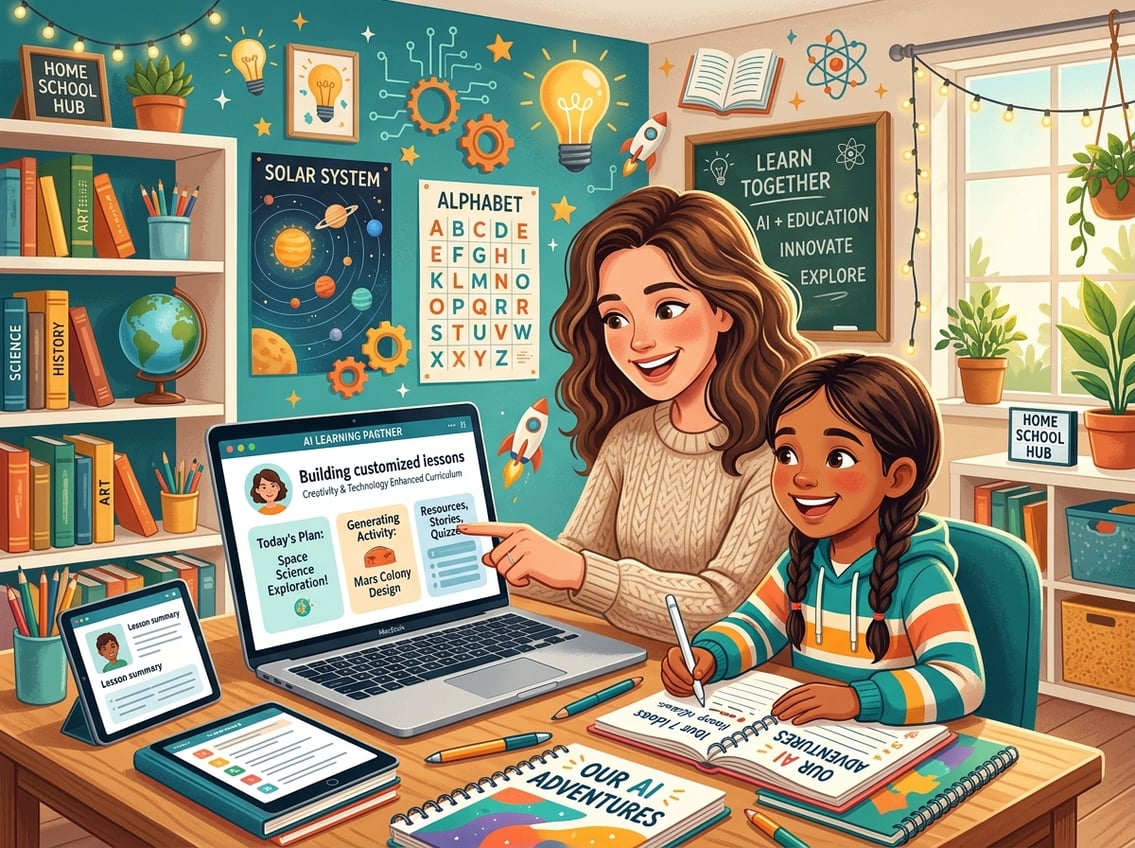
ChatGPT can help you build a homeschool curriculum that fits your child like a glove. It turns broad learning goals into detailed daily plans and connects subjects in meaningful ways.
Turn Learning Goals Into Personalized Lesson Plans
Start by telling ChatGPT exactly what you want your child to learn. Instead of typing “teach my kid about fractions,” try something like: “Create a 5-day lesson plan for a visual learner in 3rd grade who needs to understand equivalent fractions using hands-on activities.”
The more details you include, the better your results. As noted by The Homeschool Front, being specific with your prompts can produce a full multi-step lesson complete with objectives, materials, activities, and assessments.
You can mention your child’s grade level, learning style, attention span, and even favorite topics. The key to personalized learning with ChatGPT is treating it like a conversation, not a search engine.
Ask follow-up questions. Say “make it more hands-on” or “add a creative writing element.”
Each response gets closer to what your child actually needs.
Create A Flexible Homeschool Curriculum Around Your Child
Your homeschool curriculum does not need to look like anyone else’s. Use ChatGPT to design a weekly or monthly framework that respects your family’s schedule, your child’s energy levels, and the subjects that matter most to you.
Try a prompt like: “Build a flexible weekly schedule for a 7-year-old who learns best in the morning, loves animals, and needs extra support in reading.” You will get a starting point you can adjust week by week.
This approach works well because AI-powered lesson planning can reduce stress and give you more time to actually teach. You stay in charge of the big picture while ChatGPT handles the heavy lifting of organizing daily tasks.
Use ChatGPT To Plan Cross-Subject Unit Studies
Unit studies are one of the most natural ways to use ChatGPT in your homeschool. Pick a topic your child is curious about, then ask ChatGPT to connect it across multiple subjects.
For example, a unit study on butterflies could include:
- Science: Life cycle stages and habitat research
- Math: Measuring wingspan and graphing migration distances
- Language Arts: Writing a narrative from a butterfly’s perspective
- Art: Watercolor painting of local butterfly species
One homeschool parent found that ChatGPT generated 12 strong activity ideas for a butterfly unit study in a single prompt. You can ask it to tie in your state’s learning standards or adjust the difficulty for your child’s level.
Unit studies built this way feel cohesive and keep your child engaged because everything connects back to a topic they care about.
Create Better Daily Learning Materials In Less Time
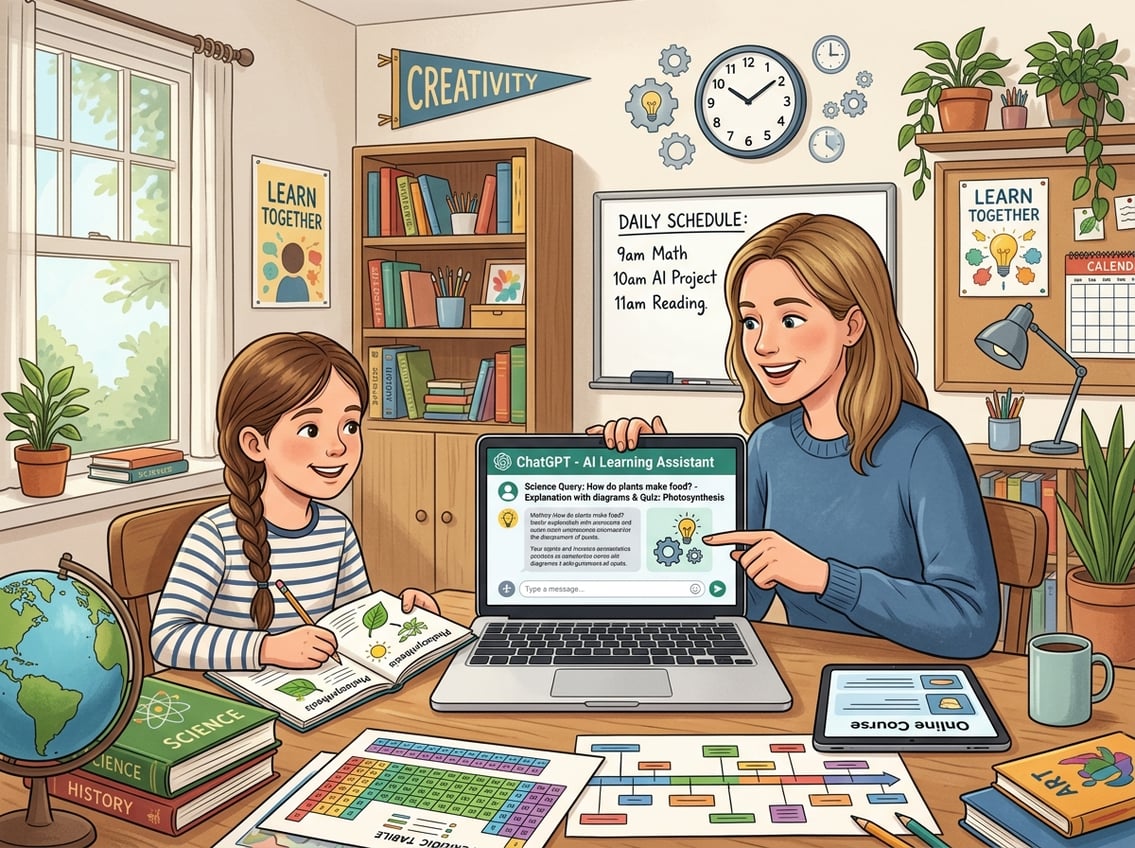
You can use ChatGPT to produce writing prompts, simplified explanations, and custom quizzes in minutes. This saves you from spending your entire evening prepping materials from scratch.
Generate Writing Prompts That Match Interests And Skill Level
Generic writing prompts rarely spark real enthusiasm. When you tell ChatGPT about your child’s interests, you get prompts they actually want to write about.
Try a prompt like: “Give me 5 creative writing prompts for a 10-year-old who loves dinosaurs and is working on writing detailed paragraphs with topic sentences.” You will get ideas that feel tailor-made.
You can also request topic-specific or interest-based writing prompts for different genres. Ask for persuasive prompts, journal entries, short fiction starters, or even poetry ideas.
Mix it up weekly so writing time never feels stale. A practical tip: ask ChatGPT to include a brief mentor sentence with each prompt.
Your child can study the sentence structure before writing their own piece. This small addition turns a simple prompt into a mini writing lesson.
Simplify Complex Topics Without Watering Them Down
Some topics are genuinely hard to explain at a child’s level. Photosynthesis, the Electoral College, supply and demand—these concepts matter, but textbook explanations often miss the mark.
Ask ChatGPT something like: “Explain how the Electoral College works to a 5th grader using a pizza party analogy.” The result keeps the important details intact while making the idea click.
According to AI for Homeschooling resources, ChatGPT excels at explaining difficult concepts in age-appropriate language. If the first explanation does not land, ask for a different analogy or a simpler version.
You can also request a version with vocabulary words highlighted so your child builds their word bank at the same time.
Make Custom Quizzes And Review Activities For Retention
Quizzes do not have to be boring fill-in-the-blank worksheets. ChatGPT can create varied review activities that actually help your child remember what they learned.
Ask for:
- Multiple choice questions with an answer key
- True or false statements with explanations for each answer
- Matching activities that pair vocabulary words with definitions
- Short answer questions that require your child to explain a concept in their own words
A prompt like “Create a 10-question quiz on the American Revolution for a 7th grader, mixing question types, and include an answer key” gives you a ready-to-use assessment in seconds.
You can also request review games. Ask ChatGPT to create Jeopardy-style categories, trivia cards, or even a crossword puzzle based on the week’s lessons.
Tools like Homeschool Genie also generate worksheets matched to grade level. ChatGPT gives you the flexibility to customize every detail based on exactly what your child studied.
Adapt One Topic For Multiple Ages And Learning Needs
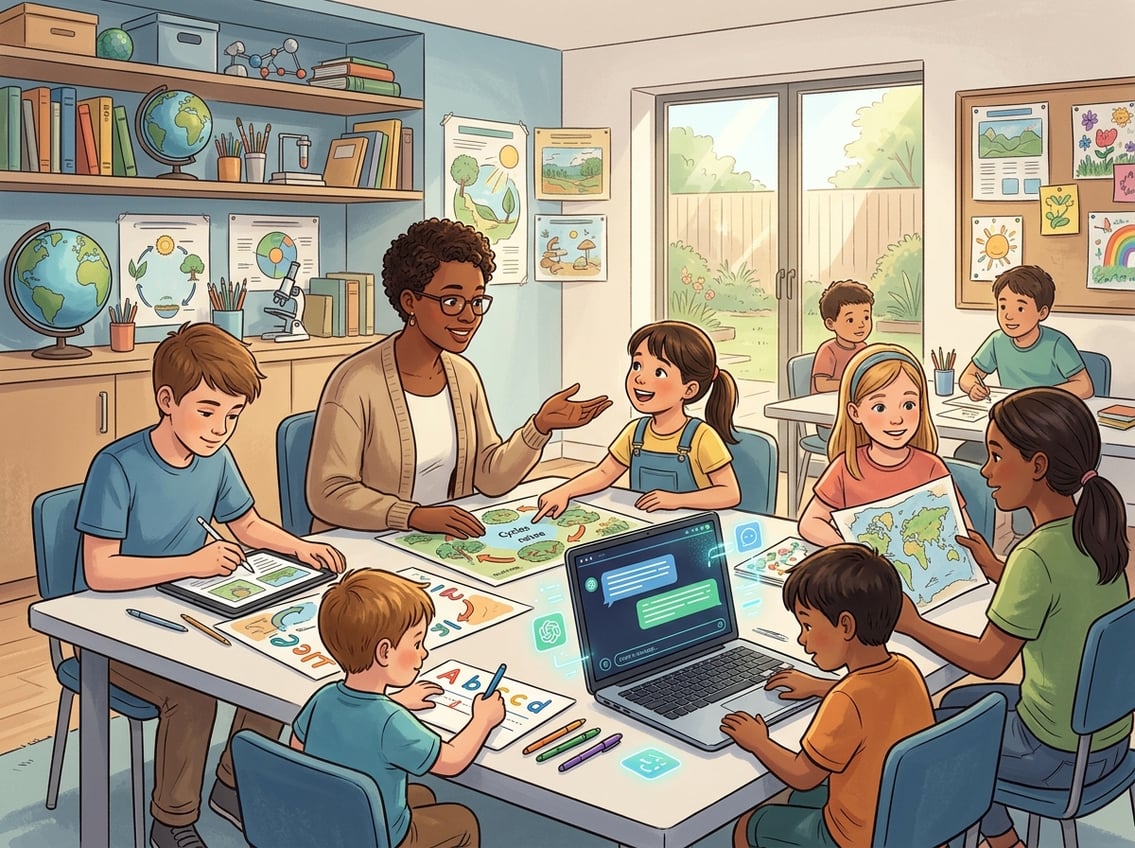
If you are teaching more than one child or working with a learner who needs extra challenge or support, ChatGPT can rework the same material to fit different levels. You do not have to create entirely separate lessons.
Rewrite Explanations For Different Grade Levels
You do not need to plan two completely different lessons on the solar system just because your kids are four years apart. Ask ChatGPT to explain the same topic at two or three different reading levels.
A prompt like “Explain gravity for a 2nd grader, then rewrite the same explanation for a 6th grader” gives you two versions in one response. The younger version might use a ball-dropping example, while the older version might introduce Newton’s laws and gravitational pull between objects.
This saves you hours of searching for separate resources. As Understood.org notes about AI for inclusive classrooms, AI tools can simplify reading passages and adjust to each student’s learning pace.
Adjust Reading And Writing Tasks For Struggling Or Advanced Learners
Your child might read at grade level but struggle with writing. Or they might be two years ahead in math but need support with reading comprehension.
ChatGPT lets you adjust individual tasks without overhauling your whole plan. For a struggling reader, try: “Rewrite this paragraph about the water cycle using shorter sentences and simpler vocabulary for a child reading at a 1st-grade level.”
For an advanced learner: “Add extension questions about the water cycle that require critical thinking and research for a student working above grade level.”
You can also ask ChatGPT to create materials that support neurodivergent learners, such as visual checklists, chunked instructions, or sensory-friendly activity alternatives.
Use Interest-Based Examples To Increase Engagement
A child who loves Minecraft will pay closer attention to a math problem about building block volumes than a generic word problem about apples. ChatGPT makes it easy to swap out examples.
Ask: “Rewrite these 5 multiplication word problems using Minecraft themes” or “Create a reading comprehension passage about marine biology for a kid who wants to be a marine biologist.”
When examples connect to something they already care about, the lesson sticks. You can rotate interests throughout the week: Monday’s math uses soccer stats, Wednesday’s science explores how guitars make sound.
This small effort makes a noticeable difference in focus and enthusiasm.
Use AI As A Teaching Assistant, Not A Substitute

ChatGPT works best when you treat it as a brainstorming partner and first-draft generator. Your judgment, your knowledge of your child, and your values are what make the curriculum truly yours.
Prompt For Drafts, Options, And Ideas Instead Of Final Answers
Think of ChatGPT’s output as a rough draft you can shape, not a finished product you hand to your child. Ask for multiple options instead of one “perfect” answer.
Try prompts like:
- “Give me 3 different ways to introduce photosynthesis to a 4th grader”
- “Draft a week of history discussion questions about Ancient Rome; I will pick the best ones”
- “Suggest 5 possible science experiments using household items for a unit on chemical reactions”
When you ask for options, you stay in the creative driver’s seat. You pick what fits, toss what does not, and combine ideas in ways ChatGPT never would on its own.
As AI education experts note, AI should spark creativity and reduce stress without replacing the human relationship at the center of learning.
Fact-Check Outputs And Watch For Made-Up Sources
ChatGPT sometimes generates information that sounds confident but is flat-out wrong. It can invent book titles, attribute quotes to the wrong person, or mix up historical dates.
Always verify facts before using AI-generated content in your lessons. A good habit is to copy any specific claim, date, name, or statistic and check it against a trusted reference.
As The Homeschool Front points out, ChatGPT can produce “strange historical names or books made up of thin air.” Teach your kids to evaluate AI-generated responses using critical thinking skills.
Have them compare ChatGPT’s answer with an encyclopedia, a library book, or a reputable website. They will sharpen their research abilities while learning that no single source, human or AI, should be trusted without question.
Keep Parent Oversight And Family Values At The Center
You know your child better than any algorithm. You know their struggles, their strengths, what motivates them, and what your family believes matters in education.
Use ChatGPT as a tool that serves your vision, not the other way around. Review every lesson plan, quiz, and writing prompt before it reaches your child.
Edit the tone, adjust the content, and remove anything that does not align with your family’s values or educational philosophy. Set clear boundaries for how your children interact with AI.
According to responsible AI integration guidelines for educators, keeping human oversight front and center protects both the quality of education and the student’s development. Your child should see AI as a helpful tool, not an authority figure.
That distinction starts with how you model its use at home.
Frequently Asked Questions
Which AI tools can help me plan and organize homeschool lessons for my child?
ChatGPT is the most flexible option for generating personalized lesson plans, but several purpose-built tools also exist. Platforms like AdaptiPath generate daily lesson plans for grades K-6.
EduGenius compares the best AI tools for homeschool families in 2026, covering curriculum planning, content generation, and assessment features.
How can I use ChatGPT to create age-appropriate writing prompts for different subjects?
Include your child’s age, grade level, interests, and the specific skill you want them to practice in your prompt. For example, ask: “Create 5 narrative writing prompts about space exploration for a 9-year-old who is working on using dialogue in stories.”
The more detail you give, the more useful and age-appropriate the output will be.
What’s a good way to ask AI to simplify complex topics so my child can understand them easily?
Ask ChatGPT to explain the topic using an analogy your child would relate to, and specify the grade level. A prompt like “Explain how DNA works to a 3rd grader using a recipe book analogy” produces clear, accurate explanations without losing the core concept.
You can always ask for a simpler or more advanced version if the first one does not fit.
How can I use AI to generate quizzes and answer keys to check my child’s understanding?
Tell ChatGPT the topic, your child’s grade level, and the question types you want. A prompt like “Make a 10-question quiz on the water cycle for a 5th grader with multiple choice and short answer questions, plus an answer key” gives you a ready-to-use assessment.
Always review the answer key for accuracy before giving it to your child.
How do I make sure the AI-generated content is accurate, unbiased, and aligned with our curriculum goals?
Cross-check any specific facts, dates, or claims against trusted references before using them in a lesson. Watch for subtle bias in language or examples.
As recommended by AI integration guides for educators, review all AI-generated content with a critical eye and edit it to match your curriculum standards and family values.
What are some creative ways to use AI for project-based learning and hands-on activities at home?
Ask ChatGPT to design a multi-step project around a topic your child loves. You might prompt: “Design a week-long project about ocean ecosystems for a 10-year-old that includes a research phase, a hands-on model build, and a short presentation.”
You can also ask it to suggest craft projects using materials you already have at home. This keeps costs low and creativity high.
Leave a Reply