Building Critical Thinking Skills for Online Research

Children need clear guidance to question what they read, check if information is reliable, and reflect on their own reasoning. Strong thinking skills help them separate fact from opinion, spot bias, and make sense of different viewpoints in education and daily life.
Understanding Critical Thinking in the Digital Age
Critical thinking in online spaces means more than just finding facts. Kids must learn to evaluate the quality of information, not just its availability. With so many websites, videos, and posts, teaching them to pause and ask “Who made this?” or “Why was this written?” builds stronger judgment.
Educators can introduce simple checks for credibility. For example:
- Author: Is the writer an expert?
- Date: Is the information current?
- Purpose: Is the content trying to inform, sell, or persuade?
Research shows that media literacy education helps students recognize falsehoods and resist manipulation. By breaking evaluation into small, repeatable steps, children build habits that make critical thinking skills part of everyday online use.
Developing Thinking Skills Through Inquiry
Inquiry-based learning encourages students to ask their own questions before searching online. Instead of starting with answers, they begin with curiosity. This process strengthens problem-solving and analysis, which are central to critical thinking skills.
Teachers can guide students to form open-ended questions such as “What are the effects of plastic on oceans?” rather than “Is plastic bad?” These kinds of questions lead to deeper exploration and more reliable results.
Digital tools can also support inquiry. Students can use search engines with carefully chosen keywords, compare results, and refine searches. The SLICE method for teaching research provides a structured way to evaluate and cite sources, which helps learners build confidence in their research process.
Fostering Meta-Cognitive Awareness
Meta-cognition means thinking about one’s own thinking. When students reflect on how they search, choose, and judge information, they become more aware of their strengths and gaps. This awareness improves both research and broader education outcomes.
Teachers can encourage reflection through journals, checklists, or short discussions. For example, students might write down:
- What strategy worked well?
- What was confusing?
- How could they improve next time?
Using tools like digital journals or blogs, as suggested in critical thinking reflection practices, helps students track growth over time. This process turns critical thinking into an active, ongoing habit rather than a single skill taught once.
Teaching Effective Online Research Methods
Students benefit most when they learn how to check the reliability of what they read, act responsibly with digital information, and use the right tools to organize their work. These skills support better decision-making in school projects and help them avoid common mistakes when searching online.
Evaluating Sources for Credibility and Bias
Children often struggle to tell the difference between a trustworthy article and one that is misleading. Teachers can guide them by showing how to look at the author’s name, publication date, and publisher. If the author is unknown or the site has no clear purpose, it may not be reliable.
One simple way to teach this is through the CRAAP test (Currency, Relevance, Authority, Accuracy, Purpose). Students can practice by comparing two websites on the same topic and noting differences in tone, evidence, and accuracy.
Bias is another key factor. For example, a company promoting its own product may not give balanced information. Students should ask: Who wrote this? Why did they write it? Who benefits from me believing it?
Teachers can also introduce checklists or short evaluation forms. This gives students a repeatable process that builds confidence when reviewing online material.
Practicing Responsible Digital Citizenship
Good research habits also mean using information in an honest way. Students need to understand that copying text without credit is plagiarism. Even in grade school, they can learn to paraphrase and cite where they found their facts.
Educators can model this by building simple citations together in class. For instance, when using an article from Edutopia on teaching research skills, they can show how to record the title, author, and link.
Responsible online behavior also includes respecting privacy. Students should avoid sharing personal details when signing up for free tools or databases. Teachers can explain why using school-approved platforms is safer.
Class discussions about digital footprints help children see how their actions online can last. This prepares them to use the internet more carefully as they grow older.
Using Technology and Research Tools
Technology can make research easier when students know how to use it well. Tools like Google Scholar, library databases, and kid-friendly search engines give them access to higher-quality information than random websites.
For younger grades, resources such as kid-friendly research tools provide safe spaces to practice searching. These tools often filter out inappropriate results and explain information in simpler language.
Teachers can also introduce organizational tools. Digital note cards, citation generators, and bookmarking apps help students keep track of what they find. A simple chart or table can show which tools are best for different tasks:
| Task | Helpful Tool |
|---|---|
| Finding articles | Google Scholar, library databases |
| Organizing notes | Digital note cards, Google Docs |
| Creating citations | Citation builders, manual practice |
Practicing with these tools in class ensures students can use them independently. Over time, they gain confidence in managing information and producing stronger research projects.
Encouraging Interactive Learning and Collaboration
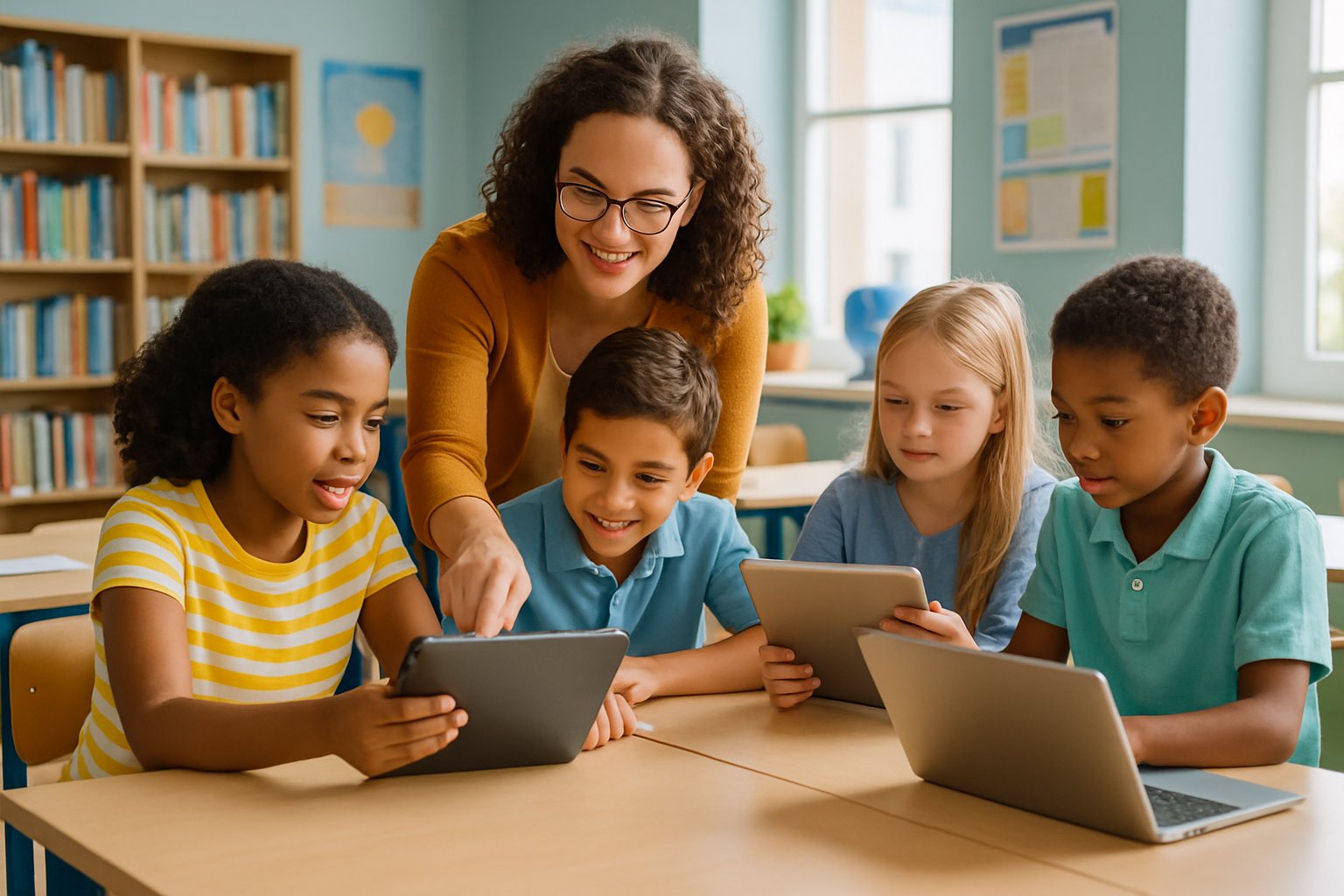
Students build stronger critical thinking skills when they take part in interactive learning that lets them test ideas, share feedback, and solve problems together. Activities that mix hands-on practice with teamwork help them learn how to question information, evaluate sources, and communicate their reasoning clearly.
Implementing Hands-On Research Activities
Hands-on research tasks give students a chance to practice evaluating information instead of just reading about it. For example, they can compare two online articles on the same topic and list differences in tone, evidence, and reliability.
Teachers can guide this process with structured steps:
- Identify the research question.
- Search for at least two different sources.
- Evaluate each source for accuracy, bias, and clarity.
- Share findings in a short written or oral summary.
This type of activity encourages them to slow down and think about what makes information trustworthy. According to studies on interactive learning environments, students gain more from short, focused tasks that require them to analyze rather than memorize.
Even simple comparisons, like checking a news article against a government report, help them see how evidence supports—or fails to support—claims. By practicing these steps often, students get comfortable questioning information they find online.
Promoting Group Projects and Peer Review
Working in groups helps students learn from each other while practicing collaboration. In small teams, they can design presentations, create shared research reports, or solve open-ended problems. Project-based learning has been shown to improve critical thinking in online settings because it requires discussion, planning, and decision-making.
Peer review is another effective method. After finishing a draft, students exchange work and give feedback using clear criteria such as evidence use, clarity, and organization.
A simple peer review checklist might include:
| Criteria | Yes/No | Notes |
|---|---|---|
| Uses reliable sources | ||
| Explains reasoning clearly | ||
| Provides evidence for claims |
By reviewing each other’s work, students practice spotting weak arguments and suggesting improvements. This process strengthens their ability to evaluate information critically while also improving communication and teamwork.
Supporting Diverse Learners in Critical Thinking Online

Students learn in different ways, and online education must account for those differences. Effective strategies support both skill development and accessibility so that all learners can practice research and critical thinking in digital spaces.
Adapting Strategies for Different Learning Needs
Some students process information best through visuals, while others need text-based explanations or interactive tools. Teachers can combine videos, infographics, and short readings to meet these needs. For example, younger learners may benefit from kid-friendly websites that simplify research steps into manageable parts, such as those outlined in teaching online research skills to elementary students.
Breaking down tasks into smaller steps helps students with attention challenges stay focused. Graphic organizers, checklists, and guided questions can make the research process easier to follow.
Language learners may need glossaries or translation tools. Teachers can also model how to evaluate online sources by showing examples of both credible and biased websites. This gives students practice in recognizing fact versus opinion while keeping tasks at their level.
Providing multiple ways to demonstrate understanding—such as short presentations, visual posters, or written summaries—ensures that students with different strengths can show their critical thinking skills.
Improving Cognitive Flexibility in Digital Environments
Cognitive flexibility helps students shift between different perspectives and adapt to new information. In online learning, this skill is crucial because digital content often presents conflicting viewpoints.
Teachers can encourage flexibility by asking students to compare two articles on the same topic. For example, they might examine how language or tone signals bias, a practice linked to teaching students about bias in online sources.
Simple classroom activities like role-playing debates or switching sides in an argument also help students practice seeing issues from more than one angle.
Digital tools such as discussion boards or collaborative documents let students share different interpretations of the same material. This helps them recognize that valid conclusions can vary depending on evidence and reasoning.
By practicing these skills, learners become more open-minded and better prepared to evaluate online information critically.
Leave a Reply