• Skip to primary navigation
  • Skip to main content
  • Skip to primary sidebar

Clever Homeschool

Fun courses based on your child's interests!

  • Home
  • Free Photo Lessons for Kids
  • “Get That Shot!” photo tags

Uncategorized

How To Align Your Homeschool Curriculum With State Standards

June 9, 2026 by Valerie Leave a Comment

What “Aligned To Standards” Actually Means At Home
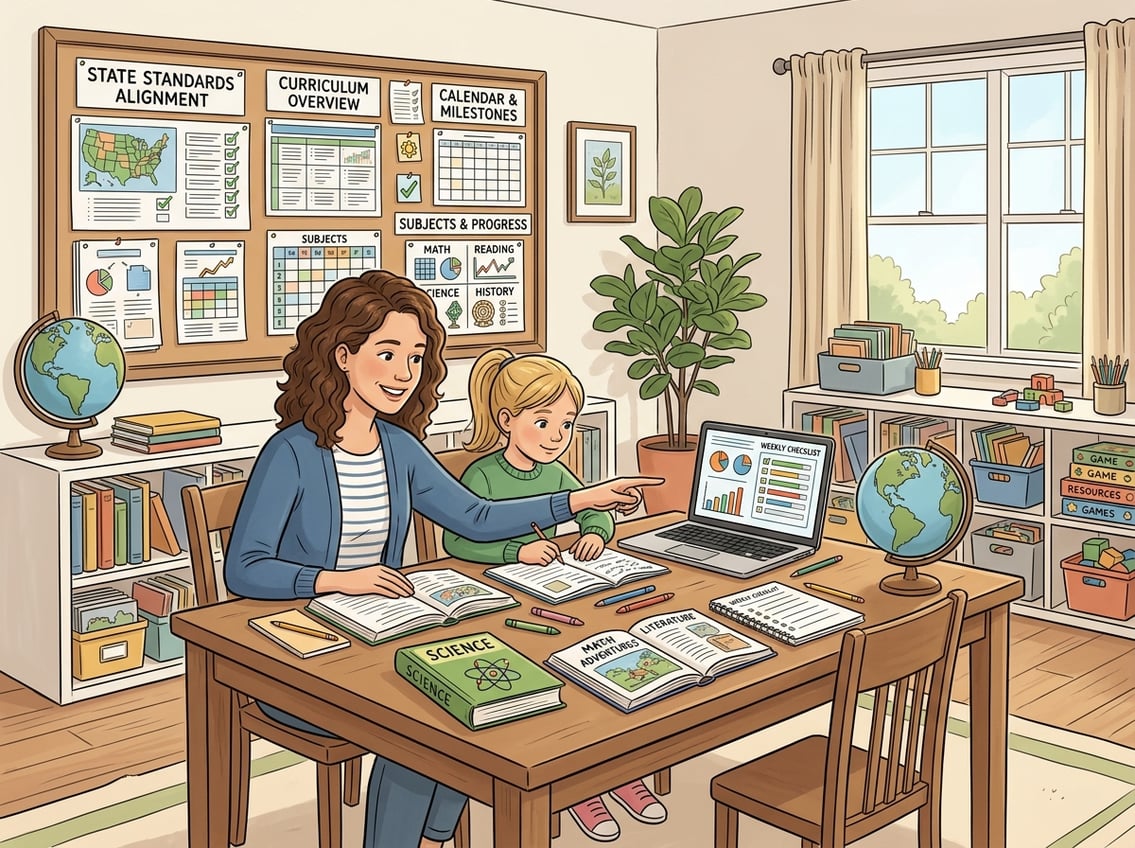
A parent and child working together at a table with books and a laptop in a bright room, with a bulletin board displaying charts and papers in the background.

Standards alignment in homeschooling is not about turning your kitchen table into a public school classroom. It simply means using grade-level learning benchmarks as a flexible roadmap so you can feel confident your child isn’t missing key skills.

Think of standards as a checklist of destinations on a road trip, not the route you have to drive to get there.

The Difference Between State Standards And Curriculum

This is one of the most common points of confusion for homeschool families. State standards describe what your child should know and be able to do by the end of a grade level.

Your homeschool curriculum is how you teach those skills. For example, a third-grade math standard might say your child should understand fractions as parts of a whole.

You could teach that with a textbook, a pizza-cutting activity, or a baking lesson. The standard stays the same; the curriculum is entirely your choice.

As noted in this overview of standards alignment for homeschoolers, standards are a guide for what to learn, not a script for how you teach.

Your homeschooling curriculum can look wildly different from what a public school uses and still cover the same ground.

Common Core vs. State Standards vs. NGSS

You will hear these terms tossed around a lot. Here is a quick breakdown:

  • Common Core State Standards (CCSS or CCS): A shared set of K-12 benchmarks in English language arts and math, adopted (and often modified) by many states.
  • State-specific standards: Each state can adopt, revise, or completely replace Common Core with its own standards. Some states, like Texas and Virginia, never adopted Common Core at all.
  • Next Generation Science Standards (NGSS): A separate set of science standards focused on hands-on investigation and real-world application. Not every state uses NGSS; some have their own science frameworks.

The best place to find your state’s exact requirements is your state’s department of education website. Search for “[your state] academic standards” and you will find the documents organized by grade and subject.

Why Alignment Does Not Mean Copying Public School

This is the part that trips up many new homeschooling parents. Aligning to standards does not mean you need to use the same textbooks, follow the same daily schedule, or assign the same worksheets as your local school district.

It means you are checking that the skills and concepts your child learns match what is generally expected at their age. You still get full freedom to choose your teaching methods, your pace, and your materials.

A customized education is the whole point of homeschooling. Standards alignment just gives you a safety net to make sure nothing important falls through the cracks.

Choose Your Learning Targets Before You Choose Materials

A homeschool parent reviewing a checklist at a desk surrounded by books and a laptop in a cozy, organized learning space.

One of the biggest mistakes you can make is picking a shiny curriculum first and then hoping it covers everything your child needs. Flip the process around.

Start by identifying what your child should learn this year, then find or build materials that match those learning objectives.

Using Learning Objectives To Define ‘On Track’

Learning objectives are the specific, measurable skills you want your child to master. Instead of a vague goal like “get better at reading,” a learning objective sounds like “read and understand grade-level fiction and nonfiction texts independently.”

Pull these objectives directly from your state’s standards documents. Write them down in plain language you actually understand.

Once you have a clear list, you have a concrete definition of what “on track with peers” really means for your child this year.

For practical starting points, reviewing your child’s grade-level academic standards gives you specific targets and measurable checkpoints that make tracking progress much easier.

How To Build A Simple Scope And Sequence

A scope and sequence sounds fancy, but it is just a plan that answers two questions: What are we covering? (scope) and In what order? (sequence).

Here is a simple way to build one:

  1. List the major subjects you need to cover (math, language arts, science, social studies).
  2. Under each subject, write the key learning objectives for the year from your state standards.
  3. Spread those objectives across your school months or terms.
  4. Leave buffer weeks for review, deep dives, or topics your child gets excited about.

You do not need specialized software. A spreadsheet, a notebook, or even a set of index cards works.

The goal is a birds-eye view of your year so you know where you are headed and can adapt as needed.

This approach supports personalized learning because you are building the plan around your child, not around a publisher’s timeline.

When To Follow Grade Level And When To Adjust

Grade levels are guidelines, not rules. If your child is reading two years ahead but struggling with multiplication, there is no reason to force both subjects into the same grade-level box.

That flexibility is one of the greatest strengths of homeschooling. Use grade-level standards as a starting reference point.

Then adjust based on your child’s actual abilities and learning styles. A child who learns best through hands-on projects might need more time on a concept but will retain it far longer than a child who memorized it for a test.

The one exception: if you anticipate your child returning to a traditional school, keeping core subjects close to grade level in math and reading makes that transition smoother.

How To Match Your Current Resources To State Expectations
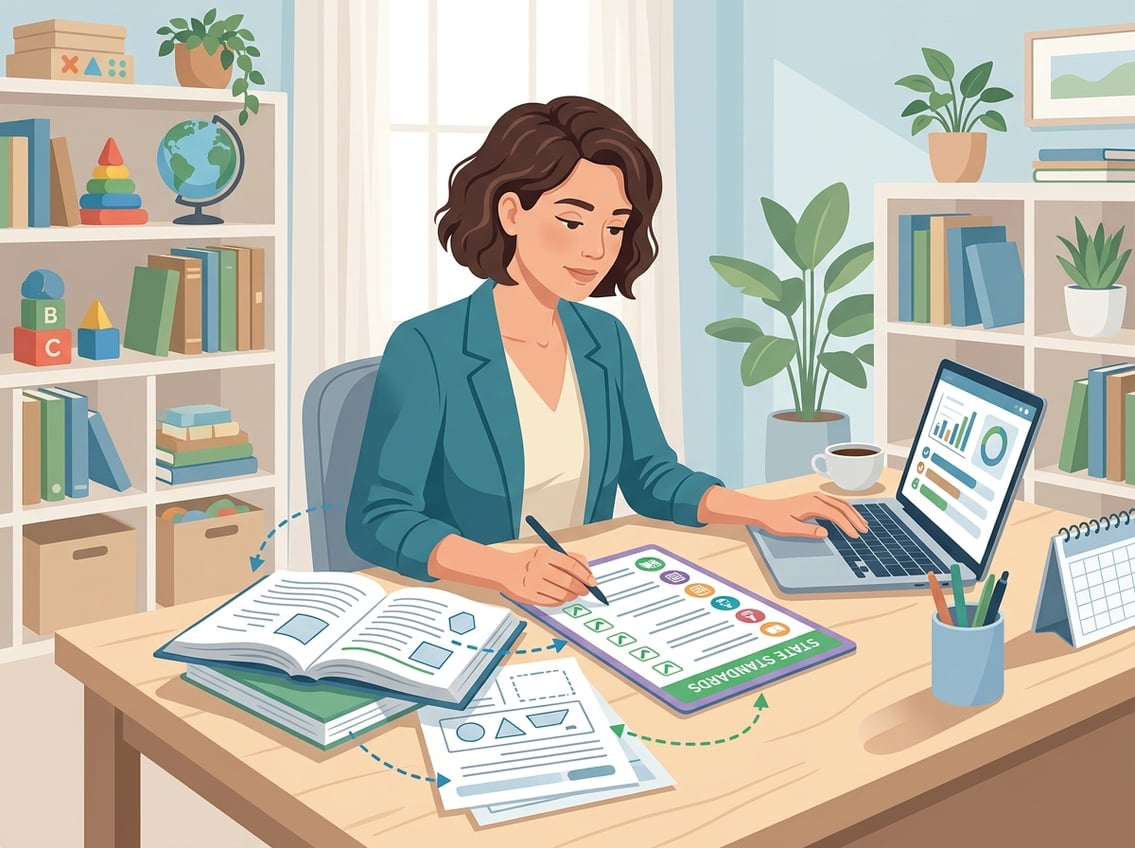
A person at a desk in a home study, reviewing books and a laptop with documents showing checklists and learning goals, symbolizing aligning homeschool materials with state standards.

You do not need to toss out everything you already own and start fresh. Most homeschool families already cover more standards than they realize.

The key is doing a quick audit to find out what is covered, what is partially covered, and what needs a little extra attention.

Auditing A Complete Program For Coverage

If you are using an all-in-one boxed curriculum, check the publisher’s website first. Many programs, like those described in this curriculum planning checklist, include a scope and sequence document or even a standards correlation chart.

Pull up your state standards side by side with your curriculum’s table of contents. Go subject by subject and check off each standard that your program addresses.

Mark any gaps you find. Often, the gaps are small and easy to fill with a library book, a short online unit, or a hands-on project.

You are not looking for a perfect one-to-one match. You are looking for reasonable coverage of the major skills and concepts.

Aligning Eclectic Resources And Unit Studies

Eclectic homeschool families piece together resources from multiple sources. This is completely valid, but it requires a bit more intentional tracking.

Here is a practical approach:

  • Create a simple chart with your state standards listed in one column.
  • As you complete a unit study, a read-aloud, or an activity, note which standards it touched in the next column.
  • At the end of each quarter, review the chart to see what has been covered and what still needs attention.

Unit studies are especially powerful because a single project on, say, ancient Rome can cover reading, writing, history, geography, art, and even math if you work in timelines and measurements.

You select materials that capture key learning objectives while letting your child’s curiosity drive the experience.

Making Room For Interest-Led Learning And Unschooling

If your approach leans toward unschooling or interest-led learning, standards alignment might feel like it goes against everything you believe in. It does not have to.

Think of standards as a background reference, not a daily agenda. Let your child follow their passions, then periodically check which standards their self-directed learning has naturally covered.

A child obsessed with dinosaurs is learning science, reading nonfiction, building vocabulary, and possibly doing math when they compare sizes and timelines.

Keep a simple log of activities and the skills they develop. You will likely be surprised at how much ground interest-led learning covers on its own.

Where genuine gaps appear, you can gently introduce targeted activities without derailing the joy of discovery.

Tracking Progress Without Losing Flexibility
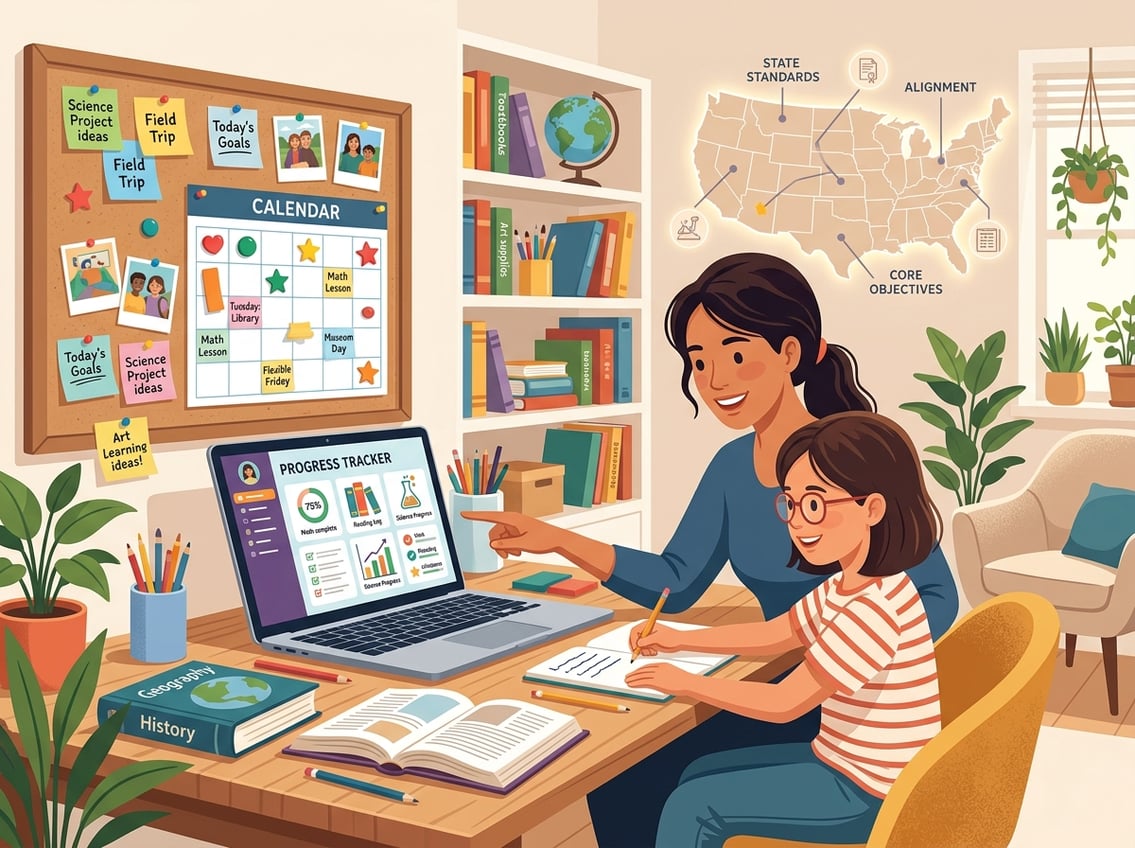
A parent and child working together in a home study area with books, a laptop, and a calendar, representing homeschooling and progress tracking.

Tracking does not mean testing every week or filling out mountains of paperwork. It means keeping enough records to show your child is learning and growing, while preserving the freedom that makes homeschooling work for your family.

Simple Ways To Document Mastery

You have plenty of options beyond traditional grades. Consider these low-stress approaches:

  • Portfolio: Collect samples of your child’s work throughout the year. Writing samples, art projects, math worksheets, photos of science experiments, and book lists all count.
  • Checklists: Print your state standards and simply check them off as your child demonstrates understanding. No formal test required.
  • Narration and discussion: After a lesson or reading, have your child explain what they learned in their own words. Jot a quick note about what they said.
  • Digital tools: Apps like HomeTrail help you log attendance, plan activities, and build records your state may require.

The goal is to create a simple, consistent habit. Even five minutes of note-taking at the end of each day adds up to a powerful record over time.

As outlined in this guide to tracking homeschool hours and progress, you do not need complicated systems to stay organized.

How Alignment Helps With Standardized Tests

Some states require standardized tests for homeschoolers. Even if yours does not, you might choose to test your child periodically to get an objective snapshot of their progress.

When your curriculum is aligned to state standards, standardized tests hold far fewer surprises. Your child will have been exposed to the types of problems, vocabulary, and concepts these tests assess.

This does not mean you need to “teach to the test.” It means the natural coverage of grade-level skills gives your child a solid foundation for whatever test they encounter.

If testing is optional in your state, consider doing it every year or two just for your own peace of mind. It is one data point among many, not the final word on your child’s abilities.

Preparing For A Possible Return To School

Life is unpredictable. A job change, a family move, or your child’s own request might lead to enrolling in a traditional school someday.

Standards alignment makes this transition dramatically easier. When your child’s skills match grade-level expectations in core subjects, placement decisions are straightforward.

Bring your portfolio, any test scores, and your scope and sequence to the enrollment meeting. Schools appreciate seeing organized documentation of what your child has covered.

Even if a return to school is not on your radar right now, keeping good homeschool records protects you legally and sets your child up for success no matter what path they choose later.

Frequently Asked Questions
A parent and child working together at a desk with educational materials and a board displaying notes and charts in a bright homeschool room.

How do I find the state standards for my child’s grade level and subject?

Go to your state’s department of education website and search for “academic standards” or “learning standards.” Most states organize them by grade level and subject, with downloadable PDF documents.

You can also search “[your state name] grade [number] standards” for direct results.

What’s the easiest way to map my homeschool curriculum to state standards without rewriting everything?

Place your curriculum’s table of contents or scope and sequence next to your state’s standards list and look for overlap. Check off each standard your materials already address.

For any gaps, add a targeted activity or resource rather than replacing your entire program. Starting with the standards and mapping backward to your existing lessons is an efficient approach.

How can I check whether my child is on track with peers if we’re using a different curriculum?

Use a combination of periodic standardized tests, portfolio reviews, and grade-level benchmark checklists from your state. These tools give you an objective picture of where your child stands compared to typical grade-level expectations.

What documentation should I keep to show progress aligned to standards, especially in New York State?

New York requires an Individualized Home Instruction Plan (IHIP), quarterly reports, and an annual assessment (either a standardized test or a written narrative evaluation by a certified teacher). Keep dated work samples, attendance logs, and your IHIP on file.

Having a portfolio organized by subject makes quarterly reporting much simpler.

What are the required homeschooling steps in NYS (like the letter of intent and yearly plan) and how do they connect to standards?

In New York State, you must file a Letter of Intent with your local school district. Submit an IHIP listing the subjects and materials you plan to use.

Provide quarterly reports showing progress and complete an annual assessment. Your IHIP should reference the subjects NYS requires at your child’s grade level, which are tied to the state’s learning standards.

How do NYS homeschool requirements differ by grade level, including kindergarten and high school?

Kindergarten through sixth grade requires instruction in specific subjects like math, reading, science, social studies, music, art, and physical education.

Grades seven and eight add health, career education, and a few other subjects.

High school requirements become more specific because students need to accumulate units of study (credits) in required subjects to earn a diploma or equivalency.
Filed Under: Uncategorized

Using AI To Enhance Your Homeschool Curriculum With ChatGPT

June 9, 2026 by Valerie Leave a Comment

Build Customized Lessons With ChatGPT First

A parent and child working together on a homeschool lesson using a tablet with AI assistance in a bright study area.

ChatGPT can help you build a homeschool curriculum that fits your child like a glove. It turns broad learning goals into detailed daily plans and connects subjects in meaningful ways.

Turn Learning Goals Into Personalized Lesson Plans

Start by telling ChatGPT exactly what you want your child to learn. Instead of typing “teach my kid about fractions,” try something like: “Create a 5-day lesson plan for a visual learner in 3rd grade who needs to understand equivalent fractions using hands-on activities.”

The more details you include, the better your results. As noted by The Homeschool Front, being specific with your prompts can produce a full multi-step lesson complete with objectives, materials, activities, and assessments.

You can mention your child’s grade level, learning style, attention span, and even favorite topics. The key to personalized learning with ChatGPT is treating it like a conversation, not a search engine.

Ask follow-up questions. Say “make it more hands-on” or “add a creative writing element.”

Each response gets closer to what your child actually needs.

Create A Flexible Homeschool Curriculum Around Your Child

Your homeschool curriculum does not need to look like anyone else’s. Use ChatGPT to design a weekly or monthly framework that respects your family’s schedule, your child’s energy levels, and the subjects that matter most to you.

Try a prompt like: “Build a flexible weekly schedule for a 7-year-old who learns best in the morning, loves animals, and needs extra support in reading.” You will get a starting point you can adjust week by week.

This approach works well because AI-powered lesson planning can reduce stress and give you more time to actually teach. You stay in charge of the big picture while ChatGPT handles the heavy lifting of organizing daily tasks.

Use ChatGPT To Plan Cross-Subject Unit Studies

Unit studies are one of the most natural ways to use ChatGPT in your homeschool. Pick a topic your child is curious about, then ask ChatGPT to connect it across multiple subjects.

For example, a unit study on butterflies could include:

  • Science: Life cycle stages and habitat research
  • Math: Measuring wingspan and graphing migration distances
  • Language Arts: Writing a narrative from a butterfly’s perspective
  • Art: Watercolor painting of local butterfly species

One homeschool parent found that ChatGPT generated 12 strong activity ideas for a butterfly unit study in a single prompt. You can ask it to tie in your state’s learning standards or adjust the difficulty for your child’s level.

Unit studies built this way feel cohesive and keep your child engaged because everything connects back to a topic they care about.

Create Better Daily Learning Materials In Less Time

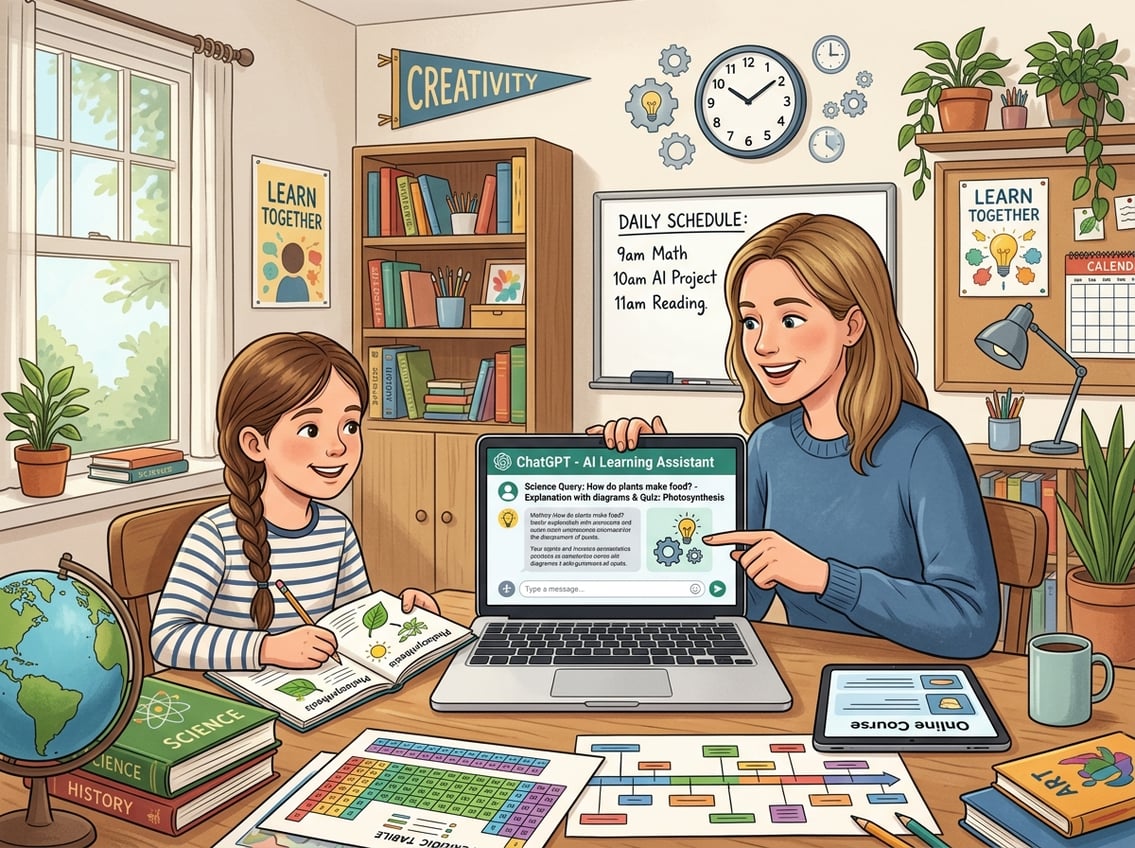
A parent and child learning together at a desk with a laptop showing an AI interface, surrounded by books and educational materials in a bright study room.

You can use ChatGPT to produce writing prompts, simplified explanations, and custom quizzes in minutes. This saves you from spending your entire evening prepping materials from scratch.

Generate Writing Prompts That Match Interests And Skill Level

Generic writing prompts rarely spark real enthusiasm. When you tell ChatGPT about your child’s interests, you get prompts they actually want to write about.

Try a prompt like: “Give me 5 creative writing prompts for a 10-year-old who loves dinosaurs and is working on writing detailed paragraphs with topic sentences.” You will get ideas that feel tailor-made.

You can also request topic-specific or interest-based writing prompts for different genres. Ask for persuasive prompts, journal entries, short fiction starters, or even poetry ideas.

Mix it up weekly so writing time never feels stale. A practical tip: ask ChatGPT to include a brief mentor sentence with each prompt.

Your child can study the sentence structure before writing their own piece. This small addition turns a simple prompt into a mini writing lesson.

Simplify Complex Topics Without Watering Them Down

Some topics are genuinely hard to explain at a child’s level. Photosynthesis, the Electoral College, supply and demand—these concepts matter, but textbook explanations often miss the mark.

Ask ChatGPT something like: “Explain how the Electoral College works to a 5th grader using a pizza party analogy.” The result keeps the important details intact while making the idea click.

According to AI for Homeschooling resources, ChatGPT excels at explaining difficult concepts in age-appropriate language. If the first explanation does not land, ask for a different analogy or a simpler version.

You can also request a version with vocabulary words highlighted so your child builds their word bank at the same time.

Make Custom Quizzes And Review Activities For Retention

Quizzes do not have to be boring fill-in-the-blank worksheets. ChatGPT can create varied review activities that actually help your child remember what they learned.

Ask for:

  • Multiple choice questions with an answer key
  • True or false statements with explanations for each answer
  • Matching activities that pair vocabulary words with definitions
  • Short answer questions that require your child to explain a concept in their own words

A prompt like “Create a 10-question quiz on the American Revolution for a 7th grader, mixing question types, and include an answer key” gives you a ready-to-use assessment in seconds.

You can also request review games. Ask ChatGPT to create Jeopardy-style categories, trivia cards, or even a crossword puzzle based on the week’s lessons.

Tools like Homeschool Genie also generate worksheets matched to grade level. ChatGPT gives you the flexibility to customize every detail based on exactly what your child studied.

Adapt One Topic For Multiple Ages And Learning Needs

A parent or teacher helping children of different ages with homeschooling using books, tablets, and a laptop showing an AI interface, in a bright and comfortable learning space.

If you are teaching more than one child or working with a learner who needs extra challenge or support, ChatGPT can rework the same material to fit different levels. You do not have to create entirely separate lessons.

Rewrite Explanations For Different Grade Levels

You do not need to plan two completely different lessons on the solar system just because your kids are four years apart. Ask ChatGPT to explain the same topic at two or three different reading levels.

A prompt like “Explain gravity for a 2nd grader, then rewrite the same explanation for a 6th grader” gives you two versions in one response. The younger version might use a ball-dropping example, while the older version might introduce Newton’s laws and gravitational pull between objects.

This saves you hours of searching for separate resources. As Understood.org notes about AI for inclusive classrooms, AI tools can simplify reading passages and adjust to each student’s learning pace.

Adjust Reading And Writing Tasks For Struggling Or Advanced Learners

Your child might read at grade level but struggle with writing. Or they might be two years ahead in math but need support with reading comprehension.

ChatGPT lets you adjust individual tasks without overhauling your whole plan. For a struggling reader, try: “Rewrite this paragraph about the water cycle using shorter sentences and simpler vocabulary for a child reading at a 1st-grade level.”

For an advanced learner: “Add extension questions about the water cycle that require critical thinking and research for a student working above grade level.”

You can also ask ChatGPT to create materials that support neurodivergent learners, such as visual checklists, chunked instructions, or sensory-friendly activity alternatives.

Use Interest-Based Examples To Increase Engagement

A child who loves Minecraft will pay closer attention to a math problem about building block volumes than a generic word problem about apples. ChatGPT makes it easy to swap out examples.

Ask: “Rewrite these 5 multiplication word problems using Minecraft themes” or “Create a reading comprehension passage about marine biology for a kid who wants to be a marine biologist.”

When examples connect to something they already care about, the lesson sticks. You can rotate interests throughout the week: Monday’s math uses soccer stats, Wednesday’s science explores how guitars make sound.

This small effort makes a noticeable difference in focus and enthusiasm.

Use AI As A Teaching Assistant, Not A Substitute

A parent and child learning together at a table with a laptop showing an AI assistant, surrounded by books and educational materials in a cozy room.

ChatGPT works best when you treat it as a brainstorming partner and first-draft generator. Your judgment, your knowledge of your child, and your values are what make the curriculum truly yours.

Prompt For Drafts, Options, And Ideas Instead Of Final Answers

Think of ChatGPT’s output as a rough draft you can shape, not a finished product you hand to your child. Ask for multiple options instead of one “perfect” answer.

Try prompts like:

  • “Give me 3 different ways to introduce photosynthesis to a 4th grader”
  • “Draft a week of history discussion questions about Ancient Rome; I will pick the best ones”
  • “Suggest 5 possible science experiments using household items for a unit on chemical reactions”

When you ask for options, you stay in the creative driver’s seat. You pick what fits, toss what does not, and combine ideas in ways ChatGPT never would on its own.

As AI education experts note, AI should spark creativity and reduce stress without replacing the human relationship at the center of learning.

Fact-Check Outputs And Watch For Made-Up Sources

ChatGPT sometimes generates information that sounds confident but is flat-out wrong. It can invent book titles, attribute quotes to the wrong person, or mix up historical dates.

Always verify facts before using AI-generated content in your lessons. A good habit is to copy any specific claim, date, name, or statistic and check it against a trusted reference.

As The Homeschool Front points out, ChatGPT can produce “strange historical names or books made up of thin air.” Teach your kids to evaluate AI-generated responses using critical thinking skills.

Have them compare ChatGPT’s answer with an encyclopedia, a library book, or a reputable website. They will sharpen their research abilities while learning that no single source, human or AI, should be trusted without question.

Keep Parent Oversight And Family Values At The Center

You know your child better than any algorithm. You know their struggles, their strengths, what motivates them, and what your family believes matters in education.

Use ChatGPT as a tool that serves your vision, not the other way around. Review every lesson plan, quiz, and writing prompt before it reaches your child.

Edit the tone, adjust the content, and remove anything that does not align with your family’s values or educational philosophy. Set clear boundaries for how your children interact with AI.

According to responsible AI integration guidelines for educators, keeping human oversight front and center protects both the quality of education and the student’s development. Your child should see AI as a helpful tool, not an authority figure.

That distinction starts with how you model its use at home.

Frequently Asked Questions

A parent and child using a laptop with AI technology in a homeschool classroom filled with books and educational materials.

Which AI tools can help me plan and organize homeschool lessons for my child?

ChatGPT is the most flexible option for generating personalized lesson plans, but several purpose-built tools also exist. Platforms like AdaptiPath generate daily lesson plans for grades K-6.

EduGenius compares the best AI tools for homeschool families in 2026, covering curriculum planning, content generation, and assessment features.

How can I use ChatGPT to create age-appropriate writing prompts for different subjects?

Include your child’s age, grade level, interests, and the specific skill you want them to practice in your prompt. For example, ask: “Create 5 narrative writing prompts about space exploration for a 9-year-old who is working on using dialogue in stories.”

The more detail you give, the more useful and age-appropriate the output will be.

What’s a good way to ask AI to simplify complex topics so my child can understand them easily?

Ask ChatGPT to explain the topic using an analogy your child would relate to, and specify the grade level. A prompt like “Explain how DNA works to a 3rd grader using a recipe book analogy” produces clear, accurate explanations without losing the core concept.

You can always ask for a simpler or more advanced version if the first one does not fit.

How can I use AI to generate quizzes and answer keys to check my child’s understanding?

Tell ChatGPT the topic, your child’s grade level, and the question types you want. A prompt like “Make a 10-question quiz on the water cycle for a 5th grader with multiple choice and short answer questions, plus an answer key” gives you a ready-to-use assessment.

Always review the answer key for accuracy before giving it to your child.

How do I make sure the AI-generated content is accurate, unbiased, and aligned with our curriculum goals?

Cross-check any specific facts, dates, or claims against trusted references before using them in a lesson. Watch for subtle bias in language or examples.

As recommended by AI integration guides for educators, review all AI-generated content with a critical eye and edit it to match your curriculum standards and family values.

What are some creative ways to use AI for project-based learning and hands-on activities at home?

Ask ChatGPT to design a multi-step project around a topic your child loves. You might prompt: “Design a week-long project about ocean ecosystems for a 10-year-old that includes a research phase, a hands-on model build, and a short presentation.”

You can also ask it to suggest craft projects using materials you already have at home. This keeps costs low and creativity high.

Filed Under: Uncategorized

Family-Style Curriculums For Teaching Multiple Ages At Once

June 9, 2026 by Valerie Leave a Comment

What Makes A Curriculum Work Across Multiple Ages

A group of children and adults of different ages working together around a table with educational materials in a bright learning space.

A strong family-style homeschool curriculum saves you time, keeps your budget sane, and brings your kids together around shared learning experiences. The best programs share a few key traits: they use content everyone can access, they scale naturally by age, and they focus on subjects where group discussion actually deepens learning.

Core Traits Of A Strong Family-Style Program

The single most important feature of any family-style homeschool curriculum is that it teaches one topic to all your kids at the same time, then adjusts expectations by age. You read one book aloud, do one experiment, or watch one documentary together.

Your younger kids narrate what they learned. Your older kids write essays or complete research projects.

Look for programs that include:

  • A single teacher’s guide covering multiple grade levels
  • Hands-on activities that naturally involve different skill levels
  • Living books or real-world materials instead of dry textbooks
  • Flexible pacing so you can spend extra time on topics your family loves

The best homeschool methods for multi-age teaching, like unit studies and Charlotte Mason, were practically designed for this. They treat learning as a conversation, not a conveyor belt.

Best Subjects To Combine In A Multi-Age Home

History and science are the sweet spots for family-style learning. A five-year-old and a twelve-year-old can both study ancient Egypt or the water cycle.

They just engage at different depths.

Other strong candidates for combining include:

  • Geography and culture studies
  • Art and music appreciation
  • Nature study and outdoor exploration
  • Read-aloud literature

These subjects rely on exposure, curiosity, and discussion. Your kindergartner absorbs more than you think when they sit in on a lesson about the Civil War or watch a chemistry demonstration.

The key is picking content-rich subjects where there’s no strict prerequisite chain.

When Separate Math And Language Arts Still Make Sense

If you’re learning how to homeschool multiple children, you’ll quickly realize that math and language arts almost always need to stay individual. A second grader working on addition facts and a seventh grader tackling pre-algebra are simply in different worlds.

Reading instruction, phonics, spelling, and grammar also depend heavily on your child’s current skill level. Trying to teach these in a group usually frustrates everyone.

Spend your morning doing family-style history, science, or read-alouds together. Then rotate through individual math and language arts sessions in the afternoon.

This gives you the efficiency of group learning where it works and the precision of one-on-one teaching where it matters.

Choosing By Teaching Philosophy And Family Fit

A group of children of different ages learning together around a table with an adult guiding them in a cozy room filled with books and educational materials.

Your teaching philosophy shapes everything from the books on your shelf to the rhythm of your school day. Whether you lean toward unit studies, Charlotte Mason, or classical education, there are family-style programs built around each approach.

Some blend multiple methods beautifully.

Unit Study Programs For Learning Together

Unit studies are one of the most natural fits for multi-age families. You pick a topic, like the solar system or ancient Rome, and study it through every subject lens: reading, writing, art, science, and history all woven together.

KONOS is one of the original unit study programs. It organizes learning around character traits and includes activities designed for mixed ages.

Your kids might build a Roman aqueduct together while your older student writes about engineering principles and your younger one draws a picture of the water flowing. The strength of unit studies is immersion.

They can require more planning from you unless you choose a program with detailed daily lesson plans already built in.

Charlotte Mason-Inspired Options For Shared Reading

Charlotte Mason’s philosophy centers on living books, nature study, and short focused lessons. It practically invented the family-style approach because so much of it revolves around reading aloud together.

Ambleside Online offers a free homeschool curriculum for grades K through 12 built on Charlotte Mason’s methods. It provides structured annual schedules while allowing flexibility.

You’ll need to purchase the books separately, which can add up. A Gentle Feast, created by Julie Ross, is another Charlotte Mason-inspired option that emphasizes family bonding.

It comes with comprehensive instructional videos to help you feel confident before starting. The Charlotte Mason Institute also provides training and resources if you want to go deeper into the philosophy.

Classical Education Choices For Content-Rich Study

Classical education follows a three-stage model: grammar, logic, and rhetoric. The content-rich nature of this approach makes it surprisingly adaptable for family learning.

In a classical homeschool, your family might study the same historical period together. Your younger children memorize key facts and timelines.

Your middle schoolers analyze causes and effects. Your high schoolers debate the philosophical implications.

Programs like Generations Curriculum take a Bible-based approach that brings families together with activities suitable for various ages. The content layers naturally, so each child engages at their developmental stage without needing a completely separate program.

Christian Vs Secular Leaning Considerations

Many family-style programs come from a Christian homeschool curriculum perspective. Schoolhouse Teachers, Notgrass, Apologia, and Generations all teach from a Protestant Christian worldview.

If that aligns with your family’s beliefs, you’ll find a wide selection. If you prefer secular options, look for programs like Nautilus Homeschool or build your own using Ambleside Online’s book lists with secular substitutions.

Some families mix and match, using a Christian history curriculum they love while choosing secular science materials. Read sample lessons before buying.

Check whether the religious content is woven into the academics or presented as a separate component. That distinction matters when you’re choosing something your whole family will use daily.

Best Program Types For Shared History, Science, And More

A group of children of different ages and an adult learning together around a table with books, scientific models, and history materials in a bright, cozy room.

Finding the right program type matters just as much as finding the right content. Some families need everything planned out.

Others want a stack of great books and the freedom to teach their own way. Here are the main categories and which homeschool curriculum picks stand out in each.

Open-And-Go Curriculum For Busy Parents

If your prep time is limited, you need a curriculum that tells you exactly what to do each day. Open the book, follow the instructions, teach.

Notgrass is one of the strongest options here. It blends history with literature, Bible study, and writing into colorful physical workbooks with tests and quizzes included.

You can teach multiple ages from the same materials, and it covers about three to four years of study per bundle. The Good And The Beautiful also offers streamlined lesson plans that require minimal preparation.

Their language arts and history courses are designed to be visually appealing and easy to follow. This helps on those mornings when you’re running on coffee and determination.

Literature-Based Picks For Younger Mixed-Age Groups

For families with children mostly in the preschool-to-elementary range, literature-based programs are hard to beat. You read a picture book together, then explore related topics all week.

Five In A Row is the gold standard here. It offers programs starting with Before Five In A Row for ages 2 to 4 and extends through Beyond Five In A Row for ages 8 to 12.

Each week centers on one quality children’s book, with lessons in art, science, language, social studies, and math built around it. The price point is also approachable, with basic packages ranging from $50 to $170.

Your kids will remember those books for years.

Subscription Models For Flexible Family Scheduling

Subscription-based programs give you access to a broad library of courses for one flat fee. This is especially valuable for large families where per-child pricing would drain your budget fast.

Schoolhouse Teachers stands out with hundreds of courses for PreK through Grade 12 under a single annual subscription of $209 to $299. You don’t pay extra per child, and the platform covers everything from core subjects to electives.

It’s developed from a Christian perspective and includes preschool resources as well. This model works well if your family’s schedule shifts throughout the year or if you like supplementing a core curriculum with additional elective courses.

Subject-Focused Programs Worth Mixing In

Sometimes the best approach is combining specialized programs rather than relying on one company for everything. Apologia is a hands-on Christian family-style science curriculum that lets you use elementary courses with multiple children.

The experiments are engaging and designed for group participation. When your kids reach middle and high school, the program shifts to independent study.

All About Learning Press focuses specifically on reading and spelling, using a multi-sensory Orton-Gillingham approach. It only takes about twenty minutes a day and works well as a supplement alongside your family-style subjects.

Mixing subject-focused programs gives you the freedom to pick the best tool for each job.

Top Curriculum Picks By Family Situation

A parent teaching multiple children of different ages together around a table filled with books and learning materials in a cozy room.

Your family size, faith background, age range, and available prep time all influence which curriculum will actually work in practice. A program that’s perfect for a family of three kids close in age might be completely wrong for a family of seven spanning preschool to high school.

Best Choices For Large Families

If you have four or more children, per-child pricing can make homeschooling expensive fast. You need programs that charge one flat fee or allow you to reuse materials.

Schoolhouse Teachers is one of the most complete options for large families, covering PreK through Grade 12 for one annual price. You never multiply your curriculum cost by the number of children.

Notgrass bundles, priced between $120 and $260, cover multiple years and work across grade ranges. Five In A Row materials can be reused with each child as they reach the appropriate age.

These are all strong homeschool curriculum for large families because they’re designed with exactly your situation in mind.

Strong Fits For Christian Households

If your faith is central to your homeschool, you want a Christian homeschool curriculum that weaves biblical teaching naturally into academics rather than treating it as an add-on. Generations Curriculum takes a Bible-based approach with collaborative family activities that encourage siblings to learn together.

Apologia builds a Christian worldview into its science courses. Schoolhouse Teachers is developed from a Protestant Christian perspective and covers every subject area.

A Gentle Feast incorporates Charlotte Mason principles within a Christian framework, with strong community support through Q&A calls and a members’ group.

Good Options For Preschool Through High School

Spanning the full age range is the biggest challenge in family-style homeschooling. You need programs that genuinely serve both your four-year-old and your fourteen-year-old.

Five In A Row covers ages 2 through 12 with its various program levels. Schoolhouse Teachers stretches from PreK through Grade 12.

Ambleside Online provides schedules for K through 12. The youngest and oldest students will need different levels of support from you.

Best Picks For Parents Who Need Low Prep

Some weeks, you barely have time to read ahead before your school day starts. You need a curriculum that does the planning for you.

Notgrass and The Good And The Beautiful both offer structured daily plans you can follow without extensive preparation. Schoolhouse Teachers provides online courses your older children can work through independently, freeing you to focus on your younger learners.

A Gentle Feast includes instructional videos that walk you through each lesson before you teach it. That extra guidance makes a real difference when you’re juggling multiple ages and feel uncertain about a subject.

Frequently Asked Questions

A group of children and adults of different ages learning together around a large table filled with books and supplies in a bright classroom.

Which family-style curriculum options work well for teaching multiple ages together in one lesson?

Programs like Notgrass, Five In A Row, and Schoolhouse Teachers are all designed for multi-age teaching. They present one lesson to the whole family and then offer age-appropriate follow-up activities.

Science and history subjects work best for this approach because they don’t depend on sequential skill mastery.

How do I choose a program that keeps both younger kids and older kids engaged at the same time?

Look for curriculums that include hands-on activities alongside reading and discussion. Younger children stay engaged through crafts, experiments, and narration.

Older children stay challenged through writing assignments, research projects, and deeper analytical questions built into the same lesson.

What does a typical week look like when you’re using a family-style history or science curriculum?

Most families spend three to four days on group lessons lasting 30 to 60 minutes each. A typical session includes a read-aloud or video, a group discussion, and a hands-on activity.

The remaining time goes toward individual follow-up work, like notebooking for younger kids and essay writing for older ones.

How can I adapt assignments and expectations by grade level without buying extra programs?

You can adjust expectations simply by changing the output you require. Your six-year-old draws a picture and tells you three facts.

Your ten-year-old writes a paragraph. Your teenager writes a full report with citations.

The content input stays the same; only the output changes.

What supplies, books, or materials do I need to run a family-style curriculum smoothly at home?

Most programs require a teacher’s guide, the assigned books (either purchased or borrowed from the library), and basic craft or science supplies.

Programs like Ambleside Online are free to access but require purchasing many books. Subscription programs like Schoolhouse Teachers provide most materials digitally.

How do family-style curriculums handle pacing, review, and gaps when kids start at different levels?

Most family-style programs follow a cyclical approach, rotating through topics every three to four years.

For skill-based gaps in reading or math, you’ll still want individual assessments and targeted practice outside of your group lessons.

Filed Under: Uncategorized

Coding And Computer Science: Best Curriculums Reviewed

June 9, 2026 by Valerie Leave a Comment

How To Choose The Right Learning Path First

A group of young people using digital devices surrounded by symbols of coding and computer science in a modern learning environment.

Your child’s age, current skill level, and long-term goals should drive every decision you make about coding education. A five-year-old exploring visual programming needs a completely different experience than a teenager preparing for AP Computer Science.

Picking the wrong starting point is the fastest way to kill motivation.

Match The Curriculum To Age, Skill Level, And Goals

Before you compare coding platforms, take a few minutes to honestly assess where your learner stands. A child who has never touched a coding platform for kids should start with something visual and forgiving.

A teen who already builds things in Minecraft might be ready to jump into text-based coding.

If the goal is creative exploration, look for project-based learning environments with open-ended challenges. If the goal is college readiness or career prep, look for structured courses that teach real programming languages.

Think about goals in three buckets: exposure (just trying it out), skill-building (learning to think like a programmer), and career preparation (mastering languages and tools used in the industry). Each bucket calls for different coding platforms.

When To Start With Block-Based Coding Vs Text-Based Coding

Block-based coding uses drag-and-drop puzzle pieces instead of typed commands. It removes the frustration of typos and syntax errors, which makes it perfect for kids roughly ages 4 through 10.

Platforms built on block coding, like Scratch or Blockly, teach logic and sequencing without overwhelming young learners. Text-based coding becomes appropriate once a child can type comfortably and handle a bit of frustration, usually around age 10 or 11.

Some kids are ready earlier; some need more time. There is no shame in staying with block-based programming longer if it keeps your learner engaged.

What Makes A Strong Progression From Beginner To Advanced

A quality coding for beginners program does not stop at the basics. Look for a clear path that moves from interactive coding exercises to independent projects.

The strongest platforms guide learners from visual coding into text coding gradually. As noted by Code.org’s K-12 curriculum framework, a good progression covers computational thinking, algorithms, data, and eventually real programming languages.

You want a ladder, not a single rung. If your child finishes a platform and there is nowhere to go next, the curriculum is incomplete.

Best Platforms For Beginners And Creative Exploration

A group of young people working together on laptops and tablets, learning coding and computer science in a bright, modern classroom filled with symbols of technology and creativity.

The best free coding platforms for young beginners use game-based learning, colorful interfaces, and bite-sized lessons to build confidence before introducing anything complicated. Scratch, Code.org, Kodable, and a handful of other tools each take a slightly different approach to getting kids excited about creating with code.

Scratch And ScratchJr For Early Confidence And Creativity

Scratch, developed by the MIT Media Lab, is the gold standard for introducing kids to coding. It uses block-based coding where your child snaps colorful blocks together to make characters move, talk, and interact.

Kids as young as eight can build animations, simple games, and interactive stories on their very first day. ScratchJr is the younger sibling, designed for ages five through seven.

It simplifies the interface even further so preschoolers and kindergartners can create short animated projects by dragging icons on a tablet. What makes Scratch special is its community.

Your child can publish projects, remix other people’s work, and learn by exploring. That social layer turns coding games into a genuinely creative outlet.

Code.org For Structured Starter Lessons And Classroom Use

If you want a step-by-step path rather than an open sandbox, Code.org is your best bet. Its free K-12 curriculum covers everything from pre-reader courses for four-year-olds to full AP-level content for high schoolers.

The Hour of Code activities are a fantastic way to test the waters in a single sitting. Teachers love Code.org because it includes lesson plans, progress dashboards, and gamified learning elements that keep a whole classroom on track.

Parents using it at home will appreciate the clear sequence of lessons that build on each other.

Kodable, Blockly, Bitsbox, And Codemoji For Younger Learners

Several other platforms fill specific niches for early learners:

  • Kodable targets kids ages four through ten with a cute, game-based curriculum that schools across the U.S. use daily.
  • Blockly, developed by Google, is the engine behind many block coding tools and offers simple standalone puzzles.
  • Bitsbox sends monthly coding projects to your door and lets kids build real apps using simplified code.
  • Codemoji teaches HTML and CSS basics using emoji-based substitutions, which younger kids find hilarious and memorable.

Each of these coding platforms for kids works best as a supplement rather than a full computer science curriculum. Mix and match them based on what keeps your child engaged.

Best Options For Real Coding Skills And Progression

A group of young people coding together on laptops and tablets in a bright classroom with digital symbols representing coding and technology around them.

Once your learner has a handle on block-based logic, the next step is bridging into real programming languages like Python, JavaScript, and HTML. The platforms in this section are built specifically for that transition, using gamified coding, guided projects, and increasingly complex coding challenges to keep motivation high.

Tynker For Moving From Blocks To Python And JavaScript

Tynker is one of the most complete coding platforms for kids who are ready to level up. It starts with block-based programming, then gradually introduces Python and JavaScript through the same project-based learning environment your child already feels comfortable in.

What really sets Tynker apart is its integration with Minecraft modding. Your child can write real code to modify Minecraft worlds, which turns an abstract skill into something they genuinely care about.

Tynker also offers courses in game design, app building, and even robotics. The paid plans unlock the full library, but there is a decent amount of free content to try first.

CodeCombat And Codemonkey For Gamified Text Coding

CodeCombat drops your child into a fantasy adventure where they write real Python or JavaScript to control a hero. Every level is a coding challenge disguised as a quest.

The difficulty ramps smoothly, and kids barely notice they are learning syntax because they are too busy defeating ogres. Codemonkey takes a similar gamified approach with a friendlier visual style suited to slightly younger learners.

It teaches CoffeeScript (which resembles Python) through puzzle levels that involve guiding a monkey to collect bananas. Both platforms make the jump from visual programming to text coding feel like play rather than homework.

Replit, Codecademy, And HTML Projects For Older Beginners

Older beginners, roughly age 13 and up, can skip the game layer entirely and start building real things. Replit gives you a browser-based coding environment where your learner can write, run, and share code in dozens of languages without installing anything.

Codecademy offers structured interactive coding courses in Python, JavaScript, HTML, CSS, and more. Its step-by-step exercises and instant feedback loop make it one of the most popular platforms for teens and adults alike.

A great starter project at this stage is building a personal webpage using HTML and CSS. It is simple enough to finish in an afternoon, and seeing a live website with their name on it gives your learner a powerful sense of accomplishment.

Formal Programs For Schools, Teens, And Long-Term Study

A group of teenagers and a teacher working together on laptops in a classroom focused on coding and computer science.

When your learner is ready for a more rigorous computer science curriculum, formal programs offer structured pathways, teacher resources, and credentials that carry weight with colleges and employers. These options work best for motivated teens and schools looking to build a complete CS program.

CodeHS And Teacher-Friendly Curriculum Systems

CodeHS provides a full, standards-aligned computer science curriculum that schools can adopt from middle school through high school. It includes lesson plans, auto-graded coding projects, and built-in teacher resources that make it easy for educators to run a CS class even without deep programming experience.

What makes CodeHS stand out is how turnkey it feels. Your school gets a dashboard to track every student’s progress, and the curriculum covers everything from introductory web design to data science.

If you are a parent advocating for CS education in your district, CodeHS is one of the strongest options to recommend.

AP Computer Science Principles And College-Ready Pathways

AP Computer Science Principles is one of the fastest-growing AP exams in the country, and for good reason. It covers big ideas like algorithms, data, the internet, and the societal impact of computing without requiring heavy math prerequisites.

Programs from Code.org’s AP CSP course and CodeHS both align to the AP framework and prepare students to earn college credit. Scoring well on this exam signals to admissions offices that your teen has genuine technical ability.

If your learner wants to go deeper, AP Computer Science A focuses specifically on Java programming and is more rigorous. Either exam looks excellent on a college application and gives your teen a meaningful head start.

When One-On-One Tutoring Makes Sense

Not every learner thrives in a self-paced or classroom environment. One-on-one tutoring is worth considering if your child is stuck at a plateau, preparing for a competition, or working on a complex personal project.

Private tutoring is also valuable for teens with learning differences who benefit from a customized pace. Platforms like Codingal offer live one-on-one sessions specifically designed for K-12 students.

The cost is higher, but the personalized feedback can compress months of struggling into weeks of real progress.

Frequently Asked Questions

A group of young adults working together with laptops and tablets in a bright room filled with coding symbols and technology elements.

What’s the best way to choose a coding curriculum for my child’s age and experience level?

Start by considering whether your child has any prior exposure to coding and how comfortable they are with typing. Kids under eight generally do best with visual, block-based platforms like ScratchJr or Kodable, while older kids with some experience can jump into Tynker or Code.org’s intermediate courses.

Always match the difficulty to what keeps your child challenged but not frustrated.

How do block-based platforms like Scratch or Tynker compare to text-based programming courses?

Block-based platforms remove syntax errors and let kids focus purely on logic, sequencing, and creativity. Text-based courses teach the actual languages used in the real world, like Python and JavaScript, but they require more patience and typing skill.

Most learners benefit from starting with blocks and transitioning to text once they are comfortable with core concepts.

Which programming languages should beginners learn first to prepare for future tech careers?

Python is widely considered the best first text-based language because its syntax reads almost like English and it is used in fields from web development to artificial intelligence. JavaScript is a strong second choice, especially for anyone interested in building websites or apps.

According to Coursera’s programming course listings, both languages consistently rank among the most in-demand skills for entry-level tech roles.

How can I tell if an online coding program is high quality and worth the cost?

Look for a clear learning progression and project-based assignments. Some form of feedback or assessment is also important.

Quality programs let your child build something real rather than just answer multiple-choice questions. Free trials, third-party reviews, and community reputation (on sites like Reddit or Trustpilot) help you evaluate before committing financially.

What skills should a strong computer science curriculum cover beyond just writing code?

Writing code is only one piece. A well-rounded curriculum also teaches computational thinking and problem-solving.

Other important skills include debugging, algorithms, data representation, and basic digital citizenship. The strongest programs connect coding to broader skills like collaboration, logical reasoning, and real-world applications.

How much time per week should students spend on coding to see steady progress without burnout?

For younger kids, two to three sessions of 20 to 30 minutes each week is plenty.

Teens working toward more advanced goals might aim for four to five hours per week spread across several days.

Short, regular practice builds stronger habits and prevents the frustration that leads kids to quit.

Filed Under: Uncategorized

Geography Without A Textbook: Stories And Maps

June 9, 2026 by Valerie Leave a Comment

Build A Story-First Geography Plan

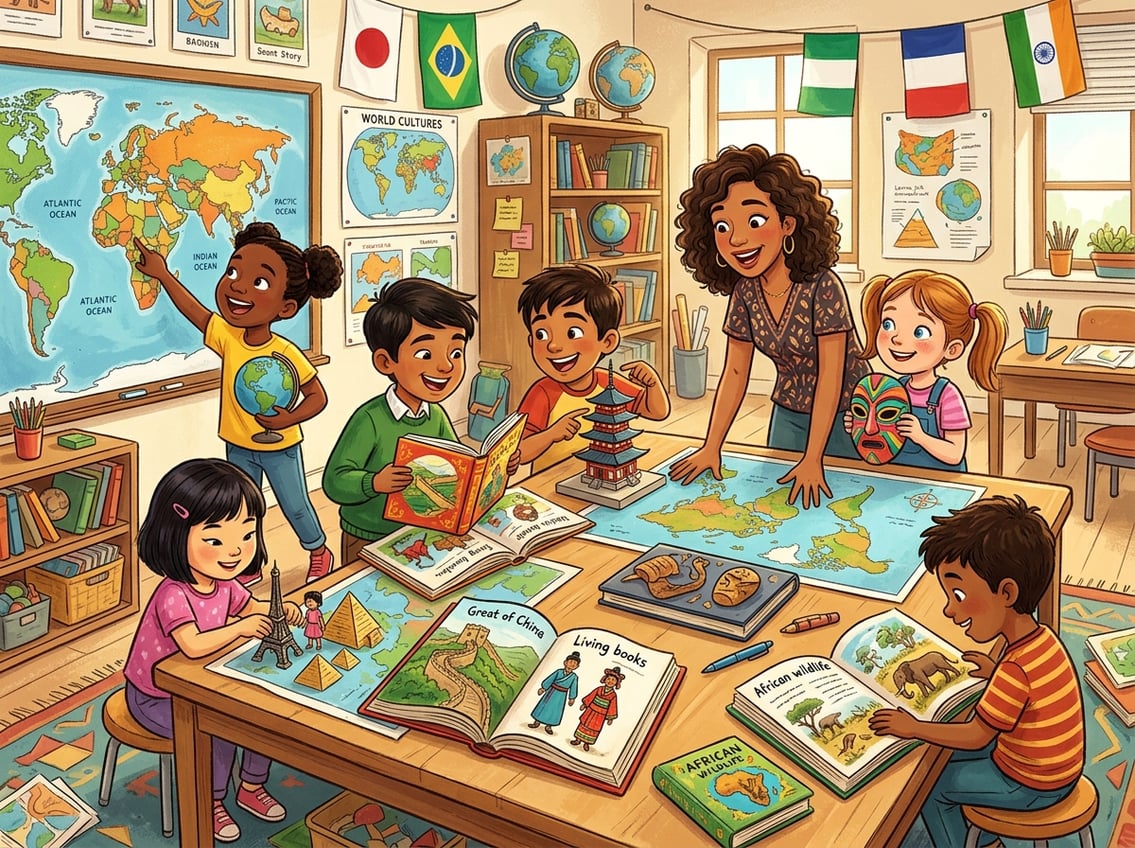
Students gathered around a large world map and storybooks, exploring different world cultures together in a classroom.

The best geography lessons feel like travel, not homework. When you anchor your studies in living books and pair them with a solid world geography curriculum, your students remember places because they care about the people who live there.

What Students Need To Learn Beyond Memorizing Places

Knowing that Brazil is in South America matters less than knowing why the Amazon Basin shapes daily life for millions. Your goal is to help students connect physical landscapes to human cultures, economies, and stories.

That means teaching spatial thinking, cultural awareness, and the ability to read and interpret maps. Most geography standards, including those aligned with the College, Career, and Civic Life (C3) Framework, ask students to analyze human-environment interaction, not just label countries.

IB programs push even further into global perspectives. Even if you’re homeschooling, keeping these benchmarks in mind ensures your child builds real geographic literacy.

How To Pair Living Books With A World Geography Curriculum

A living book tells the story of real people in a real place. Charlotte Mason educators have championed this approach for years, and it works.

As noted by Simply Charlotte Mason, titles like Material World and What the World Eats by Peter Menzel give students a fascinating glimpse into daily life across the globe. Pair each region you study with one or two living books, then follow up with narration.

Ask your child to tell back what they learned. This simple step turns passive reading into active learning and builds curiosity far better than worksheets alone.

Choosing By Age, Interest, And Geography Standards

For younger children (ages 6 to 9), lean on richly illustrated picture books and simple map labeling. Kids ages 10 to 13 can handle chapter-length biographies and cultural narratives like those found in the Bina series or regional living book collections.

High schoolers benefit from pairing literary nonfiction with formal geography standards from your state or an IB framework. Let your child’s curiosity guide the order.

If they’re fascinated by volcanoes, start with the Pacific Ring of Fire. Interest fuels retention every time.

Teach Map Skills Through Daily Hands-On Work

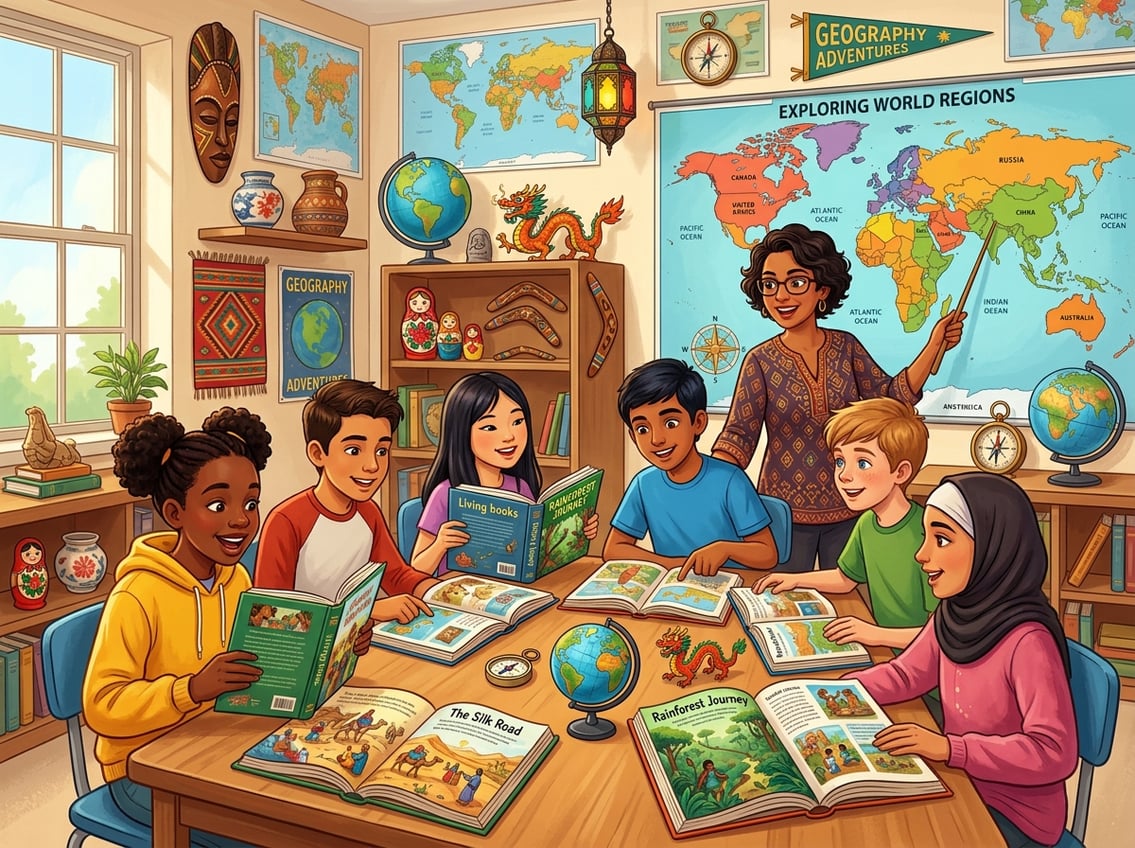
Children working together around a table with maps, globes, and books, learning about world geography through hands-on activities.

Hands-on mapping turns flat images into spatial knowledge your students actually keep. Regular practice with a world map, globe, and atlas builds the kind of geographic intuition that sticks for years.

Using A World Map, Globe, And Atlas Together

Each tool teaches something different. A wall-sized world map shows relative position at a glance.

A globe reveals true size and shape without the distortion of flat projections. An atlas offers detailed, region-by-region views with elevation, climate, and political boundaries.

Use all three in the same lesson. When you read a living book set in Kenya, have your child find East Africa on the globe first, then zoom in with the atlas, then mark it on your wall map.

This layered approach, recommended by hands-on mapping programs, reinforces location from multiple angles.

Mapping Continents, Oceans, Cities, And Landforms

Start simple. In the first few weeks, focus on the seven continents and five oceans.

Once those feel automatic, add major cities, mountain ranges, rivers, and deserts region by region. A blank outline map is your best friend.

Give your child one each week for the region you’re studying and ask them to label everything they remember. Then hand over a labeled reference map so they can check their work and add one or two new features.

Over time, the blank map fills up from memory. Keep a running list of landforms and cities covered.

This simple tracking tool shows progress and keeps you from accidentally skipping a continent.

Creating Simple Notebook Maps And Answer Keys

Notebook maps are hand-drawn maps your student creates in a dedicated geography journal. They don’t need to be perfect.

The act of drawing coastlines, labeling capitals, and coloring climate zones deepens learning in ways that printed worksheets can’t match. Create your own answer keys by photocopying a labeled atlas page or printing one from a free homeschool geography resource.

Your child checks their notebook map against the key, corrects errors in a different color, and builds accuracy week after week.

Use Digital Tools To Make Places Feel Real

Students of diverse backgrounds gather around a digital world map in a modern classroom, exploring and interacting with cultural landmarks and geography using digital tools.

Digital geography tools close the gap between reading about a place and experiencing it. When you combine virtual field trips, interactive maps, and geographic information systems, your students explore geographic data in ways a paper map simply cannot offer.

Planning Virtual Field Trips With Google Earth

Google Earth is one of the most powerful free tools available for geography education. You can “fly” to any location on the planet, zoom into street-level views, and explore terrain in 3D.

Google Earth Education offers ready-made guided tours called Voyager stories that walk students through ecosystems, historical landmarks, and cultural sites. Try this weekly routine: after reading a living book set in a specific region, open Google Earth and take a 10-minute virtual field trip to that exact location.

Let your child navigate the landscape, look at satellite imagery, and compare what they imagined from the story to the real terrain. It turns a flat reading experience into something almost tangible.

Exploring Interactive Maps And Interactive Map Activities

Interactive maps let students layer information, toggle between political and physical views, and click on regions for pop-up data. The National Geographic MapMaker tool is perfect for this.

Students can build custom maps that display population density, climate zones, or cultural data. Another strong option comes from Esri’s GeoInquiries for world geography, which provides short, map-based classroom activities aligned to content standards.

Each activity takes about 15 minutes and requires no special software. As eSchool News has reported, interactive map activities help students who struggle with traditional textbooks engage with spatial concepts more effectively.

Introducing Web-Based GIS And Geographic Information Systems

Geographic information systems might sound advanced, but web-based GIS platforms have made them accessible even for middle schoolers. These tools let students analyze real geographic data, from rainfall patterns to migration routes, using layered digital maps.

A practical approach outlined by researchers suggests starting with a single guiding question, such as “Where do the most people live near active volcanoes?” Students then use a web-based GIS tool to find the answer visually.

This kind of spatial inquiry builds digital literacy alongside geographic thinking and prepares students for real-world data analysis.

Connect Geography To Culture, Inquiry, And Play

Children and a teacher exploring world cultures using maps, books, and cultural artifacts in a bright classroom.

Geography comes alive when your students ask real questions, build projects, and play their way through the world’s regions. Stories spark the curiosity; inquiry and games cement the knowledge.

Using Stories To Answer Where In The World Questions

“Where in the world do people build homes on stilts?” “Where in the world does it never get dark in summer?” These kinds of questions turn geography into a detective activity.

Start each new region with a “where in the world” prompt, then let the living book you’re reading provide the answer. This approach mirrors how National Geographic’s World Cultures and Geography program uses compelling questions to drive student engagement.

You don’t need a published curriculum to do this. Just write one curiosity-driven question on a whiteboard or notebook page before each lesson.

Your child reads to find the answer, then maps the location.

Designing Project-Based Learning Around Regions And Peoples

Project-based learning gives your students a chance to go deep. Instead of skimming through ten countries in a week, spend two to three weeks on one region.

Ask your child to create something tangible: a travel brochure, a narrated slideshow, a recipe book featuring local foods, or a hand-drawn map with cultural annotations. Research published in Education Sciences confirms that combining group work, experiential approaches, and inquiry-based discussion leads to the strongest outcomes in geography education.

Even a solo homeschool student can present their project to family members for an authentic audience.

Reinforcing Knowledge With Geography Games

Geography games are the secret weapon for painless review. Online options like National Geographic’s Xpeditions archive and free map-based quiz tools let students test themselves without the pressure of a formal assessment.

Offline, you can play simple games at your kitchen table. Try “atlas races” where you call out a place name and your child finds it first.

Or play a homemade version of “where in the world” with index cards: one side holds a clue, the other side holds the answer. These quick, playful reviews build long-term recall and keep geography from ever feeling like a chore.

Frequently Asked Questions

A teacher and students in a classroom exploring world cultures using maps and illustrated books, surrounded by cultural artifacts.

What are some easy ways to teach geography at home without using a traditional textbook?

Read living books set in different regions, do weekly blank map labeling, and take virtual field trips with Google Earth. You can also cook foods from the countries you study and watch short documentaries.

These methods build geographic knowledge through experience rather than rote memorization.

Which living books work best for teaching world cultures and geography by region?

Material World and What the World Eats by Peter Menzel are excellent starting points because they cover families across dozens of countries. For region-specific titles, the CM Bookfinder from Simply Charlotte Mason and curated lists from living geography book collections organize recommendations by area of the world and reading level.

How do map-based geography lessons typically look week by week for homeschool families?

A common rhythm is to read a living book two to three days per week, complete one blank outline map session, and do one interactive or digital map activity. Many families also add a short narration or notebook entry after each reading.

This keeps lessons to about 20 to 30 minutes per day.

What supplies do I need for hands-on mapping activities (and what can I keep simple)?

You need a globe and a basic atlas. Blank outline maps (free printable versions work fine), colored pencils, and a notebook or binder for map pages are also useful.

A wall-sized world map is helpful but not required. Skip laminated kits and expensive sets; simple supplies give you everything you need to teach strong map skills.

How can I choose a world geography curriculum that fits a 9th grader or high school student?

Look for a curriculum that aligns with C3 Framework standards or IB geography benchmarks. Programs like myWorld Interactive: World Geography offer inquiry-based approaches with built-in mapping.

If you prefer a literature-based path, pair high-quality nonfiction with formal map work and project-based assessments to meet high school credit requirements.

How do I assess learning in a literature-based geography course without relying on tests?

Use narration (oral or written retelling) and notebook maps checked against answer keys.

Completed projects like travel brochures or region presentations are also effective.

You can track mastery through blank map progress over time.

Filed Under: Uncategorized

10 Signs Homeschooling Is Working for Your Family

June 9, 2026 by Valerie Leave a Comment

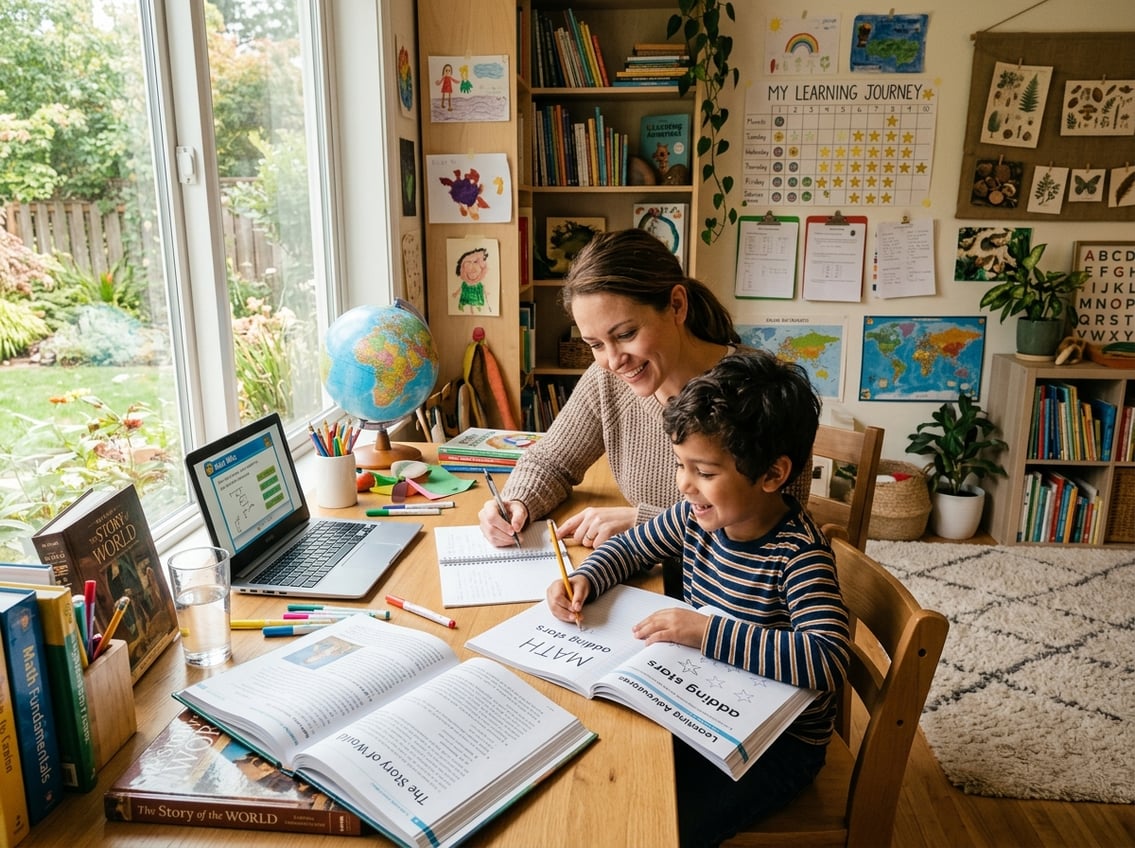
A parent and child studying together at a well-lit home workspace filled with educational materials, showing a supportive and focused learning moment.

Academic Progress Feels More Personalized And Effective

When homeschooling clicks, academic growth becomes visible in ways that feel specific to your child. You start to notice faster understanding and a learning rhythm that matches your child’s actual needs rather than a standardized timeline.

Your Child Learns Faster With One-On-One Attention

One of the clearest signs homeschooling is working is that your child grasps new material more quickly. One-on-one instruction means you can explain something three different ways in five minutes if needed.

There is no waiting for 25 other students to catch up. This kind of personalized learning allows your child to spend more time on hard topics and move quickly through easier ones.

Research has shown that homeschoolers often outperform their peers in traditional schools on standardized tests and have higher college acceptance rates. That direct attention makes a real difference.

The Homeschool Curriculum Fits Your Child Better Than School Did

If your child used to dread certain subjects but now shows curiosity, your homeschool curriculum is likely a better match. You have the freedom to choose from traditional textbooks, online courses, or hands-on experiential learning.

That flexibility matters. A curriculum that fits well does not feel forced.

Your child engages more willingly. You spend less time battling resistance and more time actually covering material.

You Can Clearly See A Personalized Learning Experience Taking Shape

A personalized learning experience looks different for every family. Maybe your child learns math through cooking measurements or picks up history through documentaries and museum visits.

When you can point to specific examples of your child thriving because of how they learned something, you are witnessing personalized learning in action. As noted by Enlightium Academy, individualized attention and creative freedom are among the top reasons families find success with this approach.

Learning Gaps Shrink Because Pace And Methods Are Flexible

In a traditional classroom, learning gaps often pile up because the class moves forward regardless. In your homeschool, you can pause, go back, or try a completely different method until something sticks.

If you have watched a gap in reading, math, or another subject actually close over the course of months, that is one of the strongest signs your approach is working. Flexible pacing is not a luxury in home education; it is the engine that drives real progress.

When your child no longer dreads a subject they once avoided, you know the flexibility paid off.

Daily Life At Home Feels More Sustainable And Positive

A family at home engaged in homeschooling activities, with children reading and drawing while a parent helps with a science experiment in a bright, cozy room.

Homeschooling works best when it stops feeling like a constant uphill battle. Your mornings are calmer, your children resist less, and the daily routine starts to feel like something your family chose rather than something happening to you.

School-Day Stress And Resistance Have Started To Drop

Remember those mornings filled with tears, arguments about homework, or anxiety before the school bus arrived? If those scenes have faded since you started homeschooling, pay attention.

Reduced stress is a major indicator that your child’s learning environment has improved. It does not mean every day is perfect.

Kids still have off days. But if the pattern has shifted from dreading school time to mostly accepting or even enjoying it, your family has found a healthier rhythm.

Many parents describe how the shift to home education helped heal or strengthen their relationship with their child.

Flexible Scheduling Makes Learning Fit Real Family Life

Rigid bell schedules do not work for every family. One of the biggest benefits of homeschooling is flexible scheduling.

You can do math at 10 a.m. or 2 p.m. You can take a Wednesday off for a family event and make it up on Saturday.

This flexibility lets you build your school day around real life instead of the other way around. Doctor appointments, travel, seasonal activities, and even a parent’s work schedule can all coexist with learning.

When your schedule feels sustainable rather than suffocating, that is a clear sign things are working.

You Feel More Confident About How To Start Homeschooling Well

Early on, most parents feel unsure about how to start homeschooling. You second-guess your curriculum choices, worry about covering enough material, and compare yourself to traditional schools.

But over time, confidence grows. If you now trust your instincts about what your child needs, adjust plans without panic, and feel less dependent on external validation, you have grown into your role.

Knowing how to start homeschooling is one thing. Feeling settled in your homeschool life is a much bigger milestone.

Character Development Happens Naturally During The Day

In a homeschool setting, character development is not a separate class or an afterthought. It happens in real time.

Your child learns patience while helping a younger sibling. They practice honesty during a tough conversation at lunch.

Responsibility shows up when they manage their own assignments. Homeschooling allows families to instill core values like integrity, respect, and responsibility into everyday education.

If you are seeing your child grow not just academically but as a person, your homeschool is doing far more than teaching subjects.

Your Family Has Built Support, Connection, And Long-Term Momentum

A family learning together at home with parents supporting children as they read and write in a bright, cozy room.

Homeschooling is not sustainable in isolation. When your family has found community, built a social rhythm, and feels united about the decision, you have created the foundation for long-term success in home education.

Social Life Is Intentional Rather Than Missing

One of the most common concerns about homeschooling is socialization. If your child has regular friendships, participates in group activities, and interacts comfortably with people of various ages, that concern has been answered.

The difference is that social life in homeschooling tends to be chosen rather than random. You select activities, groups, and friendships that align with your values.

Research published in Peabody Journal of Education found that when families integrate social opportunities into daily life, they build meaningful community connections while strengthening family bonds. Intentional socialization is not a weakness; it is a strength.

A Homeschool Co-Op Or Other Community Support Strengthens Your Routine

Joining a homeschool co-op can transform your weekly schedule. Co-ops offer group classes, shared teaching responsibilities, and structured social time.

They give your child a sense of belonging beyond your home. If you have found a co-op, church group, sports team, or other regular community, your homeschool gains consistency and variety.

These connections also give you a support network of parents who understand the daily realities of home education.

Homeschool Co-Ops Help Both Parents And Kids Stay Engaged

Burnout is real for homeschooling parents. Homeschool co-ops reduce that pressure by giving your children access to other teachers, perspectives, and learning styles.

Your child benefits from fresh instruction, and you get a break. Co-ops also keep kids engaged with peers who share similar schedules and lifestyles.

Group science labs, book clubs, art classes, and field trips add energy to your routine. As noted by ADK Learning, being part of a homeschooling community helps families avoid isolation and maintain enthusiasm year after year.

The Whole Family Feels More Aligned With The Decision

This might be the most telling sign of all: everyone in your household feels good about homeschooling. That does not mean there are zero hard days.

It means the hard days no longer make you question the entire decision. When your spouse, your children, and you agree that this path is right for your family, momentum builds naturally.

Homeschooling strengthens family bonds through improved communication, shared goals, and a more flexible learning environment. Alignment within the family is what turns a short-term experiment into a lasting educational choice.

Frequently Asked Questions

A family learning together at a table with books and educational materials in a bright and cozy room.

How can I tell if my child is learning enough at home compared to traditional school?

Look for steady progress in core subjects, growing confidence, and the ability to apply what they have learned in real situations. You can also use standardized tests, portfolio reviews, or grade-level benchmarks to compare.

If your child shows curiosity and retains information over time, they are likely learning plenty.

What are the biggest disadvantages of homeschooling, and how can families reduce them?

The most common challenges are limited socialization, financial strain from a single income, and gaps in parent expertise for advanced subjects. Families can reduce these by joining a homeschool co-op, using online expert teachers and social media groups to connect with other homeschoolers, and choosing affordable online courses for tougher subjects.

What are the main advantages and disadvantages of homeschooling for academic and social development?

Academically, homeschooling offers personalized pacing, one-on-one attention, and curriculum flexibility. Socially, it requires more effort from parents to create regular peer interactions.

The advantage is that social experiences can be intentional and positive. The disadvantage is that it takes planning and consistency to maintain.

How does homeschooling affect a child’s mental health and stress levels?

Many children experience less anxiety, fewer behavioral issues, and better self-esteem after leaving a stressful school environment. Homeschooling removes pressures like bullying, high-stakes testing, and rigid schedules.

When families create a safe and emotionally supportive learning environment, children often thrive both emotionally and academically.

What are the long-term effects of homeschooling later in life, including college and career outcomes?

Homeschooled students tend to perform well in college, often earning higher GPAs than their traditionally schooled peers. They also develop strong self-discipline and time management skills that carry into careers.

According to Oregon State University research, the educational outcomes for homeschooled students are generally positive across multiple measures.

What financial costs and potential government benefits should families consider when homeschooling?

Homeschooling

Costs vary widely depending on curriculum choices. Options range from free online resources to several thousand dollars per year for premium programs.

Some states offer tax credits or education savings accounts for homeschoolers. Access to public school resources may also be available in certain areas.

Check your state’s specific homeschool laws to find out what financial support is available to your family.

Filed Under: Uncategorized

  • « Go to Previous Page
  • Page 1
  • Page 2
  • Page 3
  • Page 4
  • Interim pages omitted …
  • Page 24
  • Go to Next Page »

Primary Sidebar

Free Photo Lessons for Kids

Photo Lessons for kids

Categories

  • Photography
  • Preschool
  • Reading
  • Uncategorized
A child and parent working together on a science experiment at home using materials from a subscription box in a bright, organized study area.

Subscription Boxes As Curriculum: What Actually Works

Can A Monthly Kit Count As Real Curriculum? The honest answer is: it depends entirely on what … [Read More...] about Subscription Boxes As Curriculum: What Actually Works

A parent and child reviewing homeschool books together in a cozy study area with shelves of used educational materials and a tablet showing an online marketplace.

How To Buy And Sell Used Homeschool Curriculum On A Budget

Choose Materials With Savings In Mind The curriculum you pick determines how much you can save when … [Read More...] about How To Buy And Sell Used Homeschool Curriculum On A Budget

An illustration showing two classrooms side by side: one where students focus deeply on one math topic with a teacher's guidance, and another where students work on multiple math topics repeatedly in a spiral pattern.

Mastery Vs. Spiral Math: Choosing The Right Fit

How The Two Approaches Differ In Real Lessons The difference between spiral math and mastery math … [Read More...] about Mastery Vs. Spiral Math: Choosing The Right Fit

Students taking tests in a classroom while a teacher observes and takes notes, with visual symbols of timing and decision-making around them.

Curriculum Placement Tests: When and How to Use Them Well

What Placement Tests Tell You and When to Use Them Placement tests and standardized tests serve … [Read More...] about Curriculum Placement Tests: When and How to Use Them Well

A teacher reviewing a detailed curriculum planner spread out on a desk with educational tools around.

Scope and Sequence Explained: A Practical Planning Guide For Curriculum Planning

What Scope and Sequence Means in Real Curriculum Planning A scope and sequence is one of the most … [Read More...] about Scope and Sequence Explained: A Practical Planning Guide For Curriculum Planning

A family sitting at a kitchen table surrounded by homeschooling supplies, receipts, and a laptop, discussing and planning their homeschooling budget.

The Hidden Costs of Homeschool Curriculums and Smart Budgeting

What Families Actually Pay Beyond Curriculum The sticker price of a homeschool curriculum rarely … [Read More...] about The Hidden Costs of Homeschool Curriculums and Smart Budgeting

A parent and child working together at a table with books and a laptop in a bright room, with a bulletin board displaying charts and papers in the background.

How To Align Your Homeschool Curriculum With State Standards

What "Aligned To Standards" Actually Means At Home Standards alignment in homeschooling is not … [Read More...] about How To Align Your Homeschool Curriculum With State Standards

A parent and child working together on a homeschool lesson using a tablet with AI assistance in a bright study area.

Using AI To Enhance Your Homeschool Curriculum With ChatGPT

Build Customized Lessons With ChatGPT First ChatGPT can help you build a homeschool curriculum that … [Read More...] about Using AI To Enhance Your Homeschool Curriculum With ChatGPT

A group of children and adults of different ages working together around a table with educational materials in a bright learning space.

Family-Style Curriculums For Teaching Multiple Ages At Once

What Makes A Curriculum Work Across Multiple Ages A strong family-style homeschool curriculum saves … [Read More...] about Family-Style Curriculums For Teaching Multiple Ages At Once

A group of young people using digital devices surrounded by symbols of coding and computer science in a modern learning environment.

Coding And Computer Science: Best Curriculums Reviewed

How To Choose The Right Learning Path First Your child's age, current skill level, and long-term … [Read More...] about Coding And Computer Science: Best Curriculums Reviewed